FEATURES
Car background removal in one click
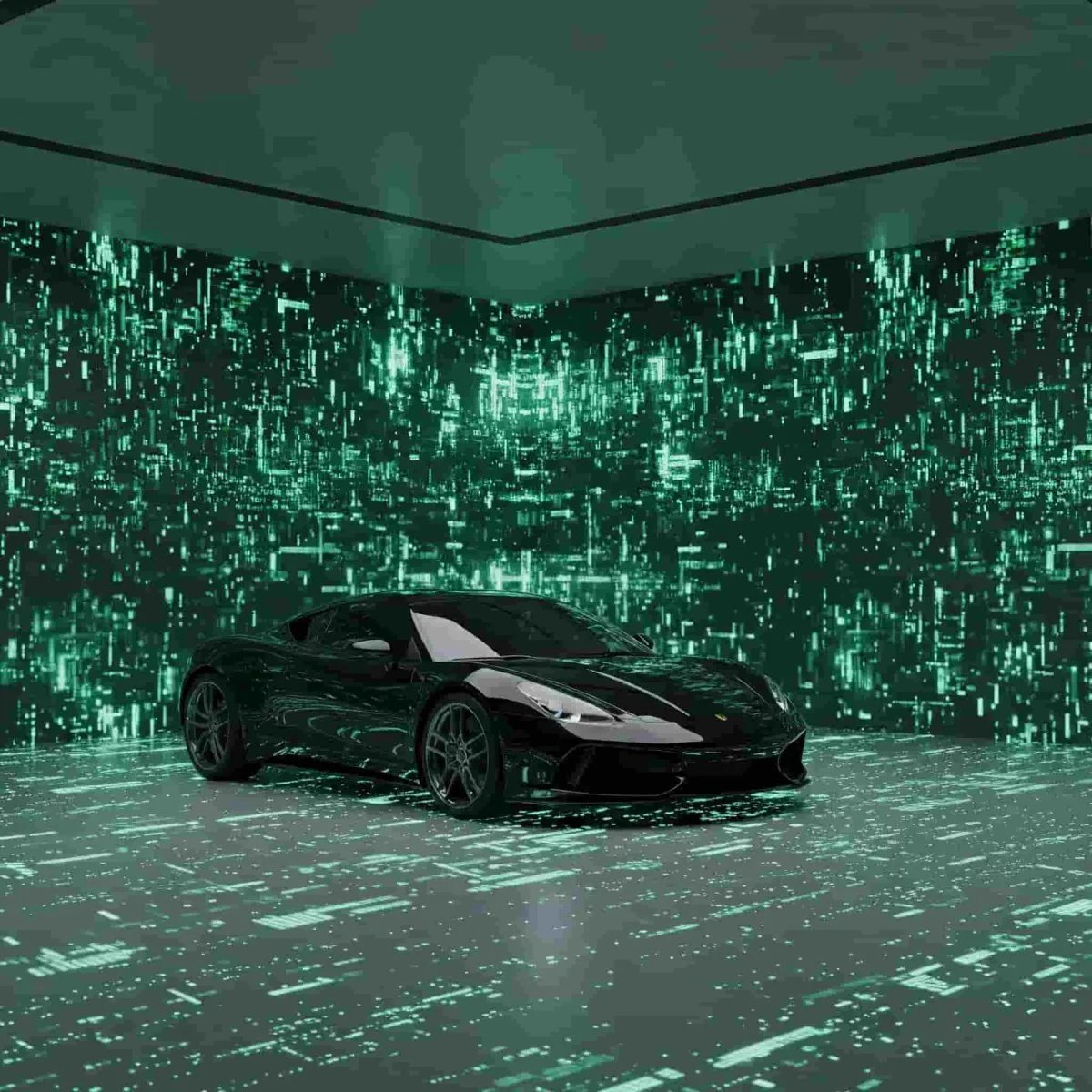
Clear the clutter behind your car and replace it with a showroom-quality backdrop. Try our car background removal and make every listing look professionally shot.
50 cars in under 10 minutes
10 free credits
No card required
JR
MK
SD
AL
Join 1,000+ already onboard.
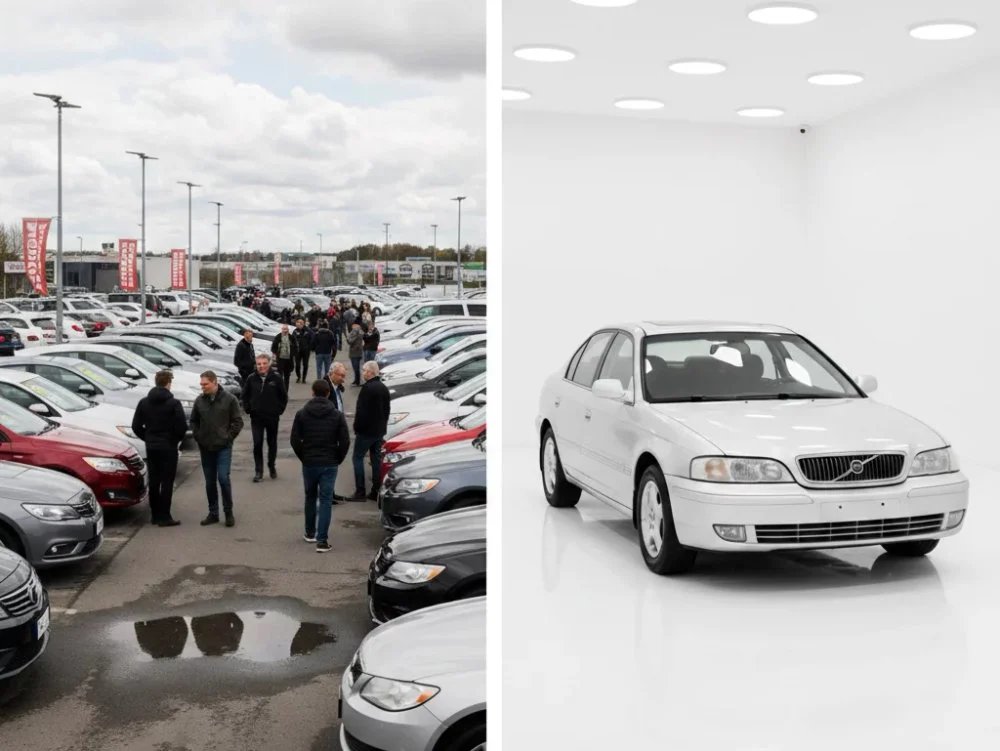
Before
After
THE PROBLEM
Messy backgrounds cost you sales
Cluttered backgrounds make great cars look cheap. Photos shot by different people in different spots leave your listings inconsistent, and buyers notice. Editing each one by hand is a pain, and a photo studio costs a fortune. Our car background removal tool fixes this instantly.

CAPABILITIES
AI made for real cars
Perfect perspectives for any photo angle
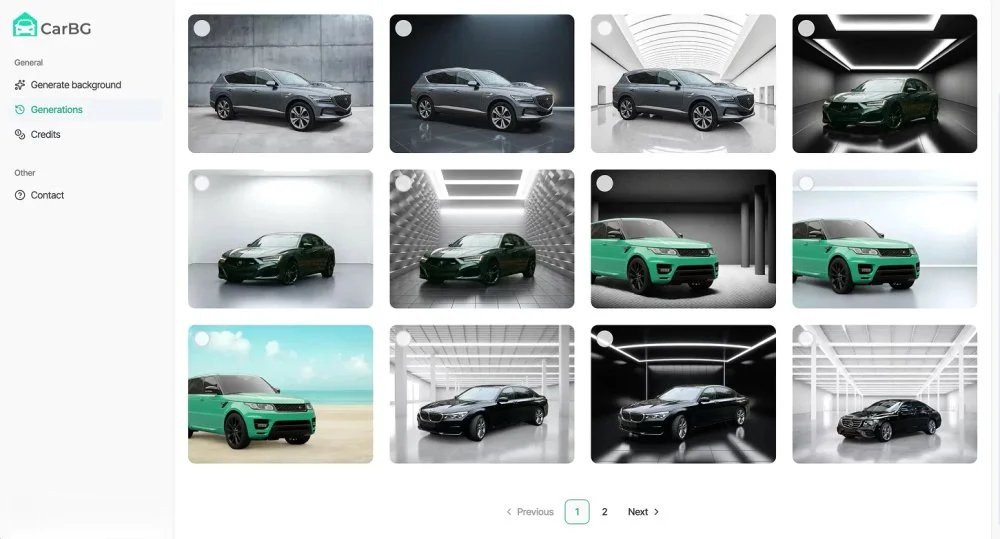
Different showroom backdrops for any car
Whole inventories cleared in one batch
Studio-grade lighting on every shot
Your logo on every photo, automatically
On-lot editing from your phone
Realistic shadows, never floating
One-click export of multiple outputs
HOW IT WORKS
Three steps, ten seconds a photo
Try the tool for free. The first 10 credits are on us.
01
Upload your car photos
Drag and drop photos from your phone or camera. JPG, PNG, and WebP accepted.
02
AI removes and replaces the background
The AI detects the vehicle, removes the background, and rebuilds the scene from your chosen template — mirrors, wheels, and reflections handled automatically.
03
Export and publish
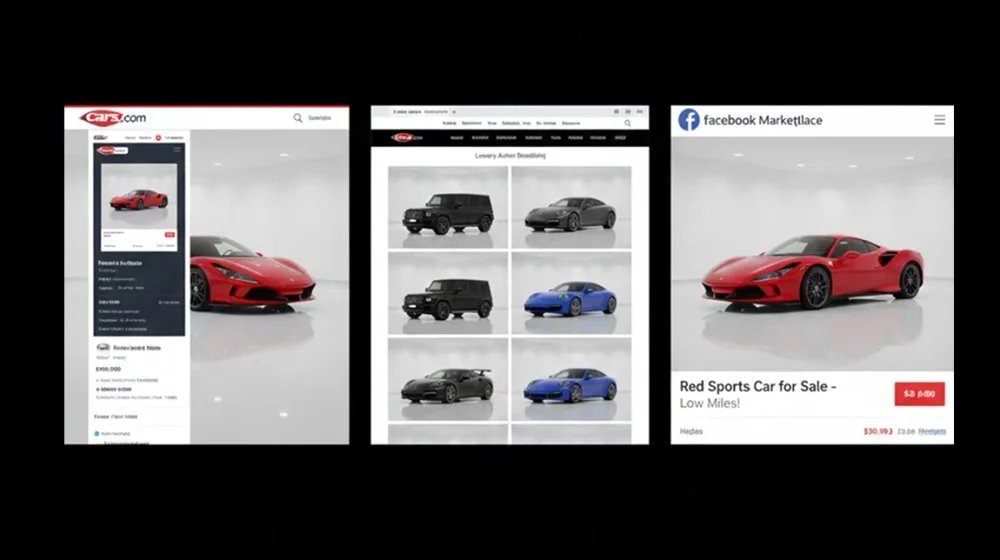
Download marketplace-ready images and upload them straight to your listings.
BENEFITS
Why dealers love this car background removal
Instant edits
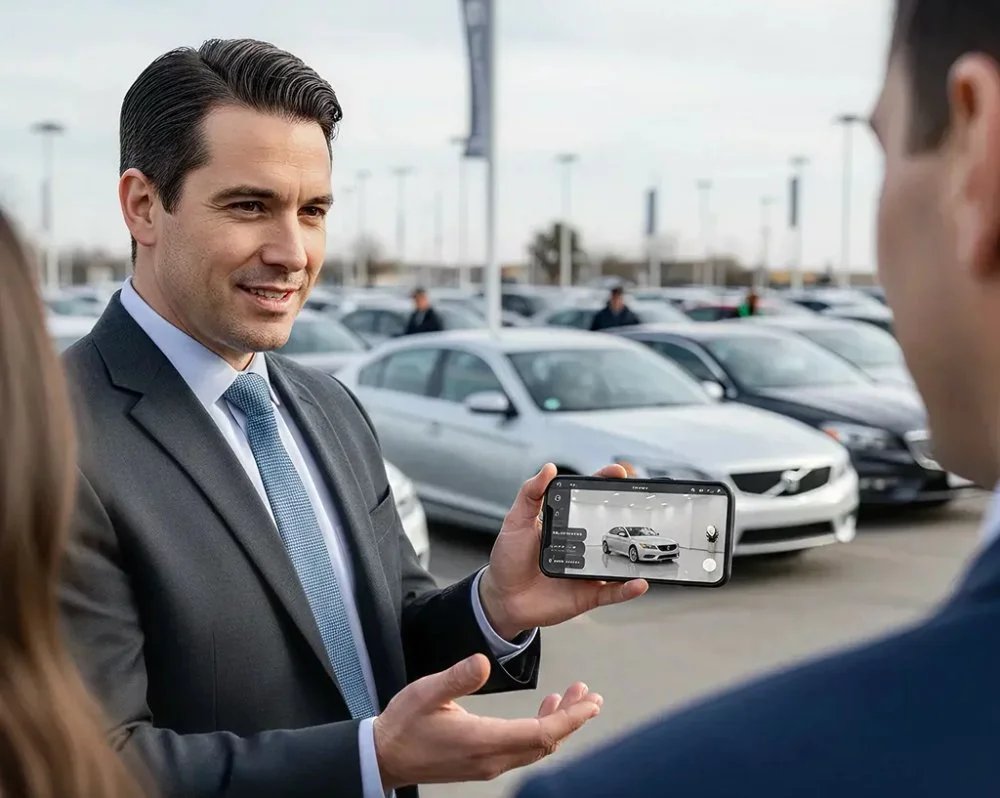
Process each photo in seconds, right there in the shop. No Photoshop or editing skills required.
Batch processing
Upload a bulk of images at once and get consistent car background removal across every photo.
Marketplace-ready
Pre-optimized backgrounds for Cars.com, CarGurus, Facebook Marketplace, and your own website.
Brand consistency
The same showroom background on every vehicle, plus your dealership logo and branding.
WHO IT'S FOR
Who uses our car background removal AI
However you sell cars, this car background removal fits the way you work.
01
Used car dealerships
Process new inventory as soon as it arrives. The car background removal turns inconsistent lot photos into a clean catalog that builds buyer trust.
02
Sales and marketing teams
Snap photos on a phone and get marketplace-ready backgrounds without leaving the lot. Keep every listing brand-consistent across different platforms.
03
Listing and admin staff
Batch process 50+ vehicle photos at once and get consistent results, no matter who shot the originals or what the backgrounds looked like.
04
Automotive photographers
Deliver flawless car dealership photography on the first pass. The AI car photo editor handles car background replacement while you focus on shooting.
05
Private sellers
Clear the cluttered background from driveway photos and get dealership-quality listing images in minutes. No Photoshop or editing skills needed.

BUILT FOR AUTOMOTIVE
Generic AI tools aren't built for automotive inventory
Most background tools stumble on the details that actually matter on a car — wheel wells, mirror edges, and window reflections. Editing each shot by hand fixes it, but eats your whole day. A car background removal AI purpose-built for dealer workflows is the better solution.
Automotive-trained AI
Batch processing at scale
Consistent branding
Marketplace listing-ready export
Built to clean up your whole lot, not one car at a time.
COMPARISON
Car Background AI vs. standard tools
Generic background removers weren't built for automotive. Manual editors take forever. Here's how our car background removal AI stacks up.
Capability
CarBG AI Studio
carbackground.ai
Generic BG removers
Remove.bg, Photoroom
Generic AI car editors
Fotor, AIease, Canva
Manual editing
Photoshop, Lightroom
Automotive capability
Vehicle detection
Trained on vehicle silhouettes
Generic object detection
Basic car presets
No AI assistance
Mirrors, wheels, reflections
Handled automatically
Struggles with complex edges
Variable quality
Manual control only
Shadow grounding
Automatic
Basic or none
Template-dependent
Manual creation
Window transparency
Preserved
Often over-removes
Inconsistent
Manual masking
Dealer workflow
Batch processing
100+ photos at once
Limited (1–10 images)
One-by-one typical
One at a time
Time per photo
2–5 seconds
30–60 seconds
1–2 minutes
15–30 minutes
Dealer branding templates
Included
Not available
Generic templates only
Built by hand
Output consistency
Consistent every time
Varies by image complexity
Varies by image complexity
Depends on editor's skill
Ease of use
Learning curve
Zero — no design skills
Low
Low
Steep — professional skills
Mobile on-lot capture
Mobile app included
Mobile apps available
Mobile apps available
Desktop only
Business value
Built for
Car dealer ROI
General use
Creators
Designers
API for inventory systems
Full API
API available
Limited API
No API
TOP FEATURES
Need more than car background removal?
Car Background AI does more than clear backgrounds. Explore the rest of the toolkit built for dealer listings.
AI image enhancement
Automatically fix exposure, balance brightness, and clean up detail for dealer-ready photos.
Background template library
Studio, showroom, and outdoor backdrops, or your own dealership branding.
Bulk car photo processing
Upload sets of images and let the tool edit them all at once, saving hours.
Consistent dealer branding
Your logo, colors, and style applied automatically across every photo.
TESTIMONIALS
What users say about Car Background AI
“We used to spend 2 hours editing photos for each car. Now our whole lot is done before lunch. The car background remover paid for itself in the first week.”
AT
Alex Thompson
Sales Manager, Texas Auto Group
“Finally, our listings look consistent. Every car, same professional background. The AI car photo editor handles everything automatically.”
SK
Sarah Kim
Marketing Director, Pacific Motors
“The professional backgrounds elevate my car listing ads and create high trust and faster sales. All details of the cars remain the same, but the visuals are photo-booth quality.”
JP
Jason Patel
Car Dealership Manager, India
Remove car backgrounds like an expert
Try it on a single set of photos and judge the quality for yourself. Then scale it across hundreds of listings without losing the consistency that builds buyer trust.
✓ No credit card
✓ Free trial included
✓ Cancel anytime
After
FAQ
Frequently asked questions
Does this AI work on dark or black cars?
Yes, and this is where a lot of generic tools fall short. Because our AI is trained on real vehicle shapes, it can tell a black car apart from a dark background and keep the edges crisp, so your car never blends into the scene.
Will it keep my reflections and window glass looking real?
It will. Our car background removal preserves window transparency and the natural reflections on your glass. This way, the car still looks real once the new background is in place, rather than flat or cut out like a sticker.
Can I remove the background from photos taken in direct sunlight?
Yes. Bright sun, harsh shadows, and glare are all handled automatically, so a car you shot outdoors on a sunny day still comes out clean and listing-ready. You don't need perfect lighting or a covered space to get a good result.
What happens if a photo is blurry?
A blurry photo may give a slightly weaker result, but the tool is trained to enhance and upscale your images, so it still comes out looking good. You don't need professional gear, just a steady phone photo, and the AI handles the rest.
Do edited car photos meet AutoTrader rules?
Yes. Your exports come out sized and formatted for the major marketplaces, so the photos meet the listing image requirements on platforms like AutoTrader and Cars.com. You can upload them straight to your listings without reformatting.