
Car background removal in one click
Clear the clutter behind your car and replace it with a showroom-quality backdrop. Try our car background removal and make every listing look professionally shot.
Process 50 cars in under 10 minutes.


What users say about Car Background AI
We used to spend 2 hours editing photos for each car. Now our whole lot is done before lunch. The car background remover paid for itself in the first week.

Finally, our listings look consistent. Every car, same professional background. The AI car photo editor handles everything automatically.

The professional backgrounds elevate my car listing ads, and create high trust and faster sales. I especially like that all details of the cars remain the same, but the visuals are photo booth quality!

Messy backgrounds cost you sales
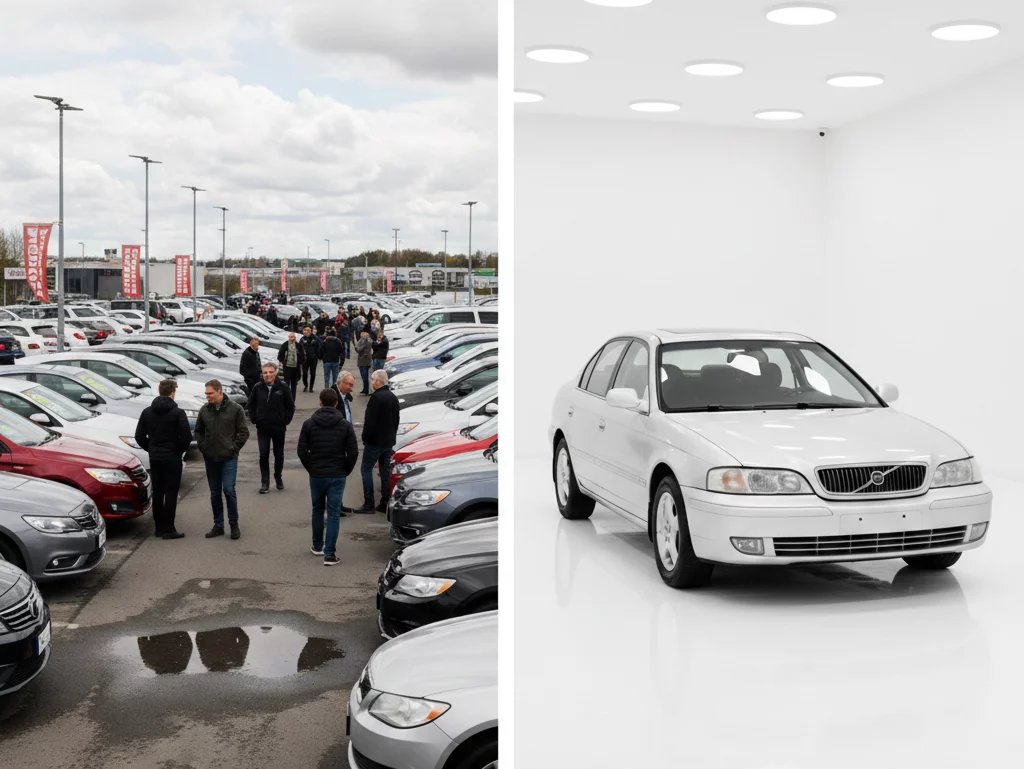
Cluttered backgrounds make great cars look cheap. Photos shot by different people in different spots leave your listings inconsistent, and buyers notice. Editing each one by hand is a pain, and a photo studio costs a fortune. Our car background removal tool fixes this instantly.
AI trained on real cars
Drag and drop photos from your phone or camera. JPG, PNG, and WebP accepted.
The AI detects the vehicle, removes the background, and rebuilds the scene from your chosen template. It also handles mirrors, wheels, and reflections automatically.
Download marketplace-ready images and upload them straight to your listings.
Why dealers love this car background removal
Process each photo in seconds, right there in the shop. No Photoshop or photo editing skills required.
Upload a bulk of images at once and get consistent car background removal across every photo.
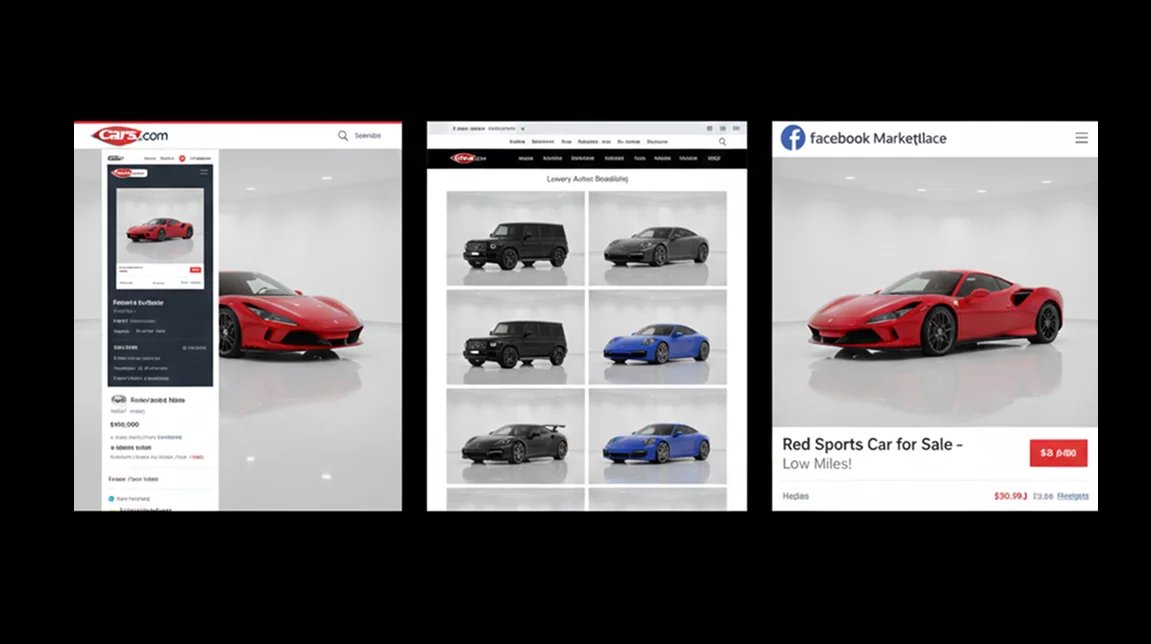
Try pre-optimized backgrounds for Cars.com, CarGurus, Facebook Marketplace, and your own website.
Include the same showroom background on every vehicle and add your dealership logo & branding.
Who uses our car background removal AI
However you sell cars, this car background removal fits the way you work.
Kullanılmış araba satıcıları
Process new inventory as soon as it arrives. The car background removal turns inconsistent lot photos into a clean catalog that builds buyer trust.
Sales and marketing teams
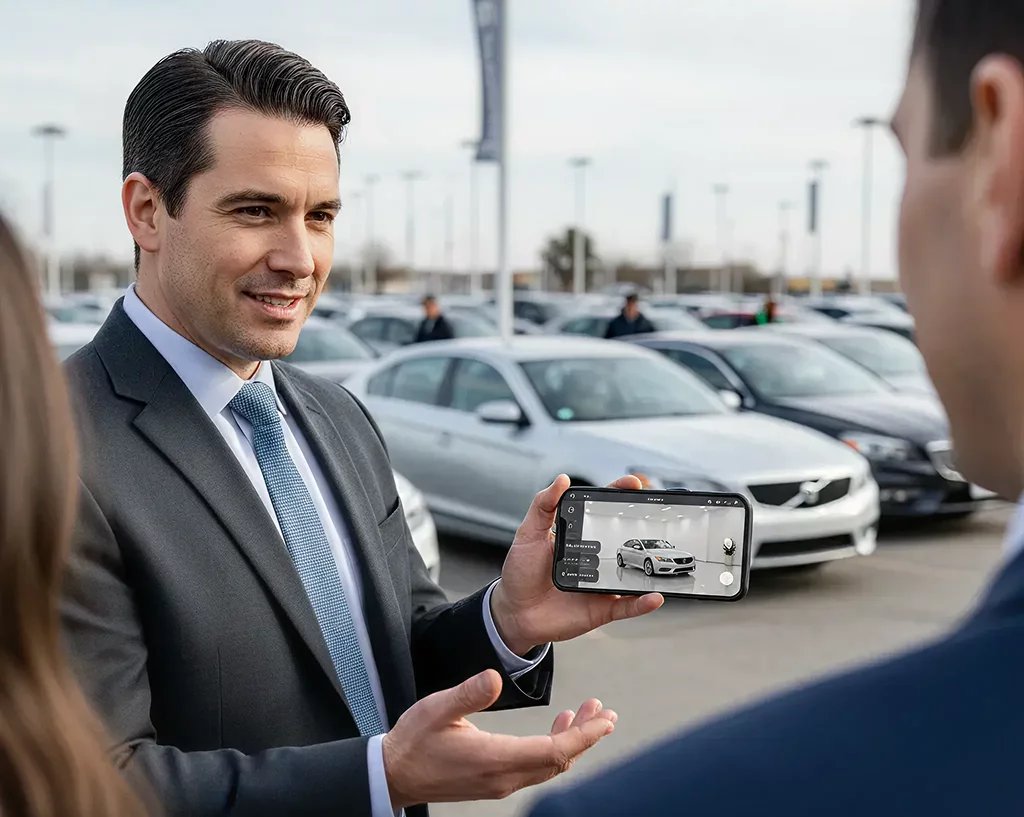
Snap photos on a phone and get marketplace-ready backgrounds without leaving the lot. Keep every listing brand-consistent across different platforms.
Listing and admin staff
Batch process 50+ vehicle photos at once and get consistent results, no matter who shot the originals or what the backgrounds looked like.
Otomotiv fotoğrafçıları
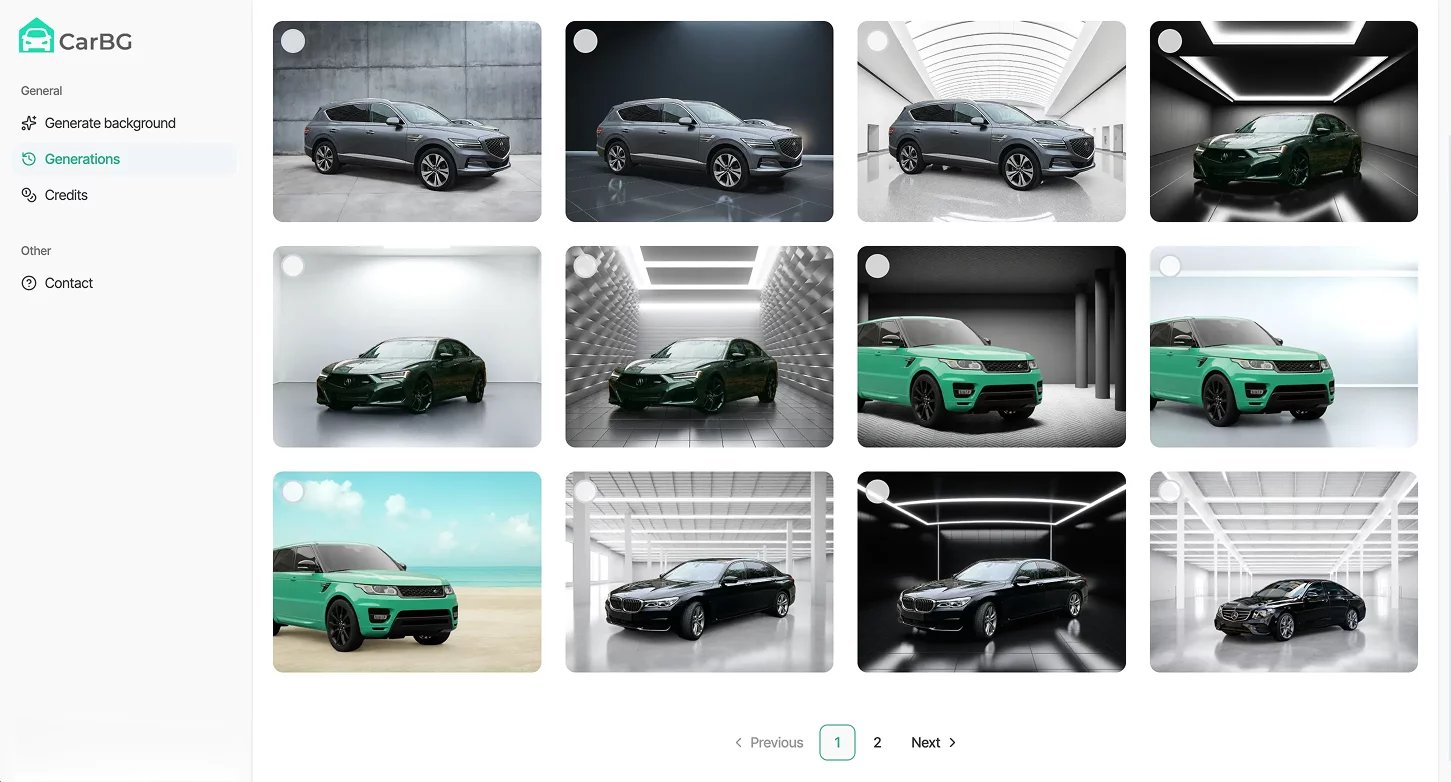
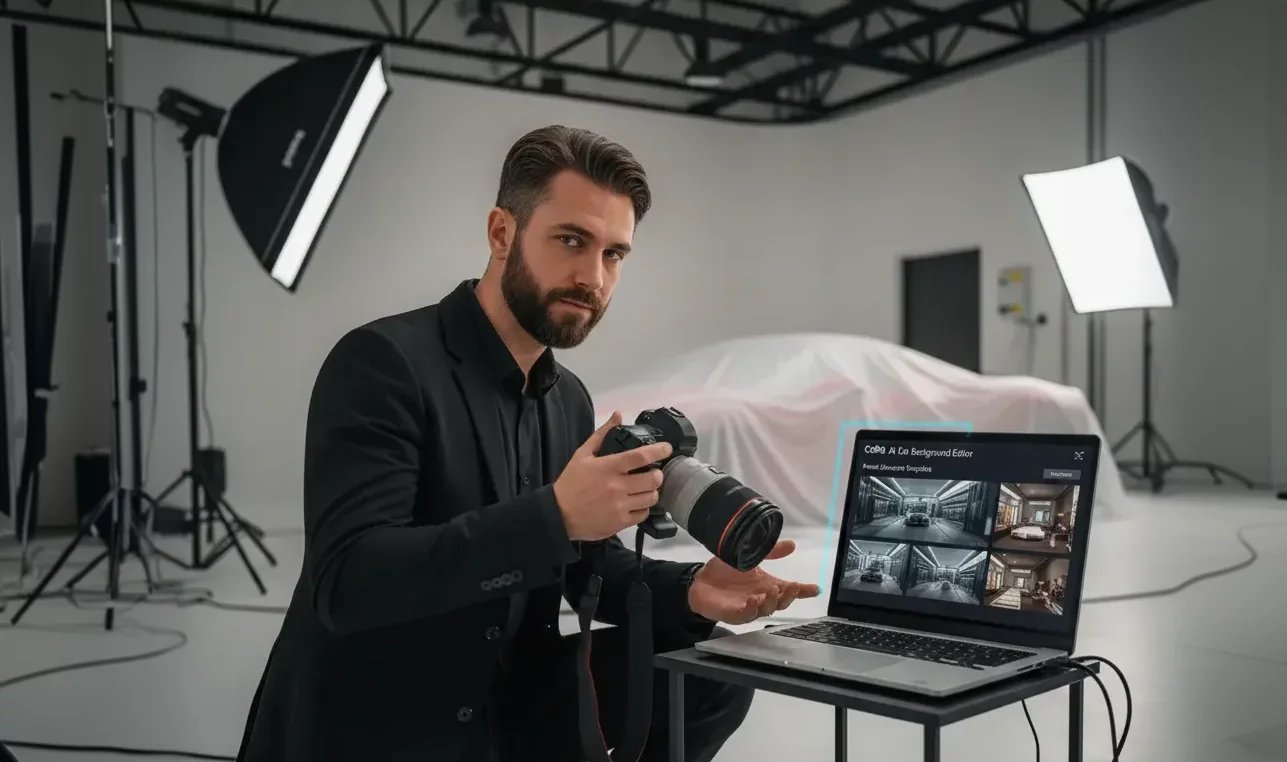
Deliver flawless car dealership photography on the first pass. The ai car photo editorhandles car background replacement while you focus on shooting.
Private sellers
Clear the cluttered background from driveway photos and get dealership-quality listing images in minutes. No Photoshop or editing skills needed.
Generic AI tools aren’t built for automotive inventory
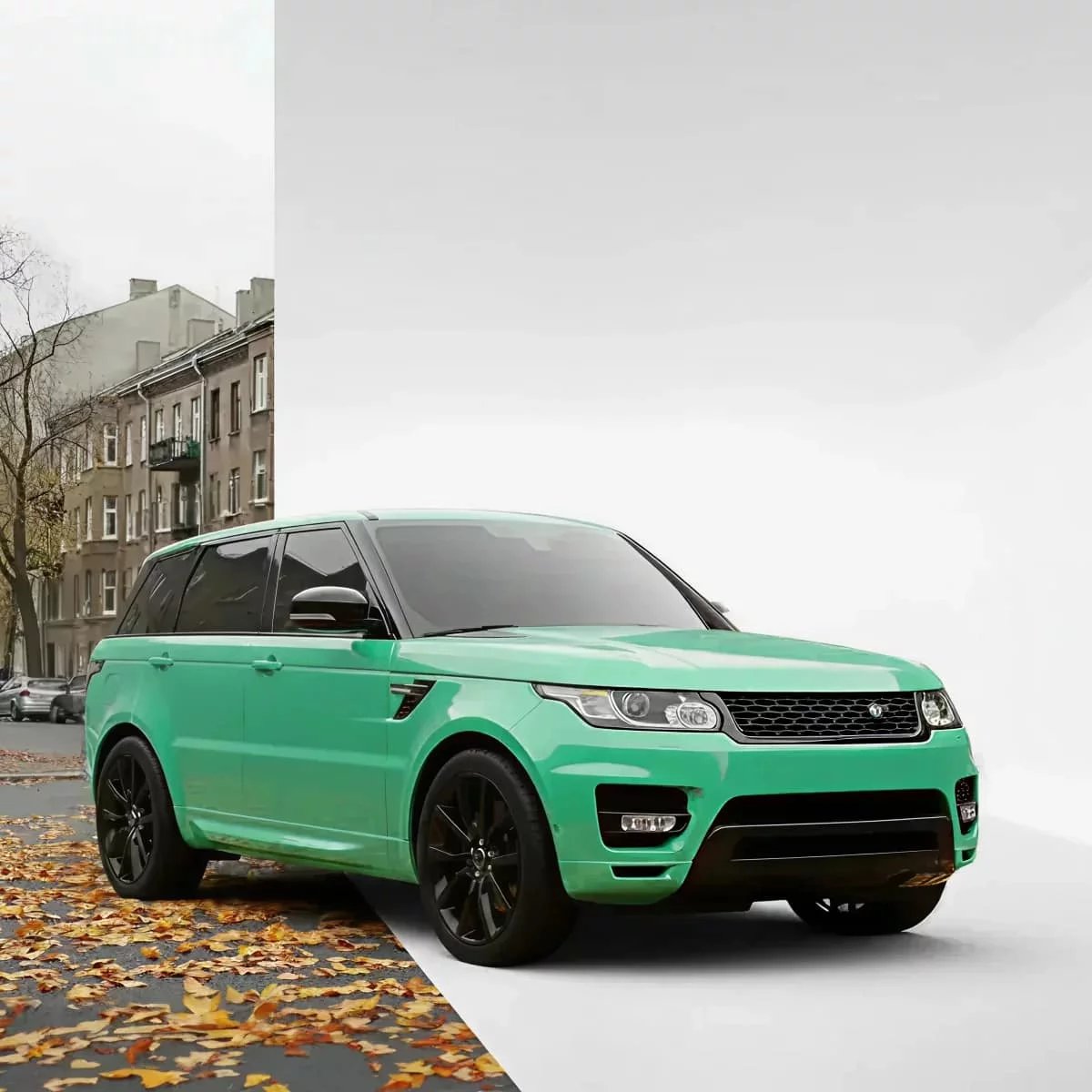
Most background tools stumble on the details that actually matter on a car, like wheel wells, mirror edges, and window reflections. Editing each shot by hand fixes it, but eats your whole day. Luckily, we have a better solution.
Car Background AI vs. standard tools
Not all car photo tools are created equal. Generic background removers weren't built for automotive. Manual editors take forever. Here's how our car background removal AI stacks up.Need more than car background removal?
Car Background AI does more than clear backgrounds. Explore the rest of the toolkit built for dealer listings.
Automatically fix exposure, balance brightness, and clean up detail for clear, dealer-ready photos across every listing.
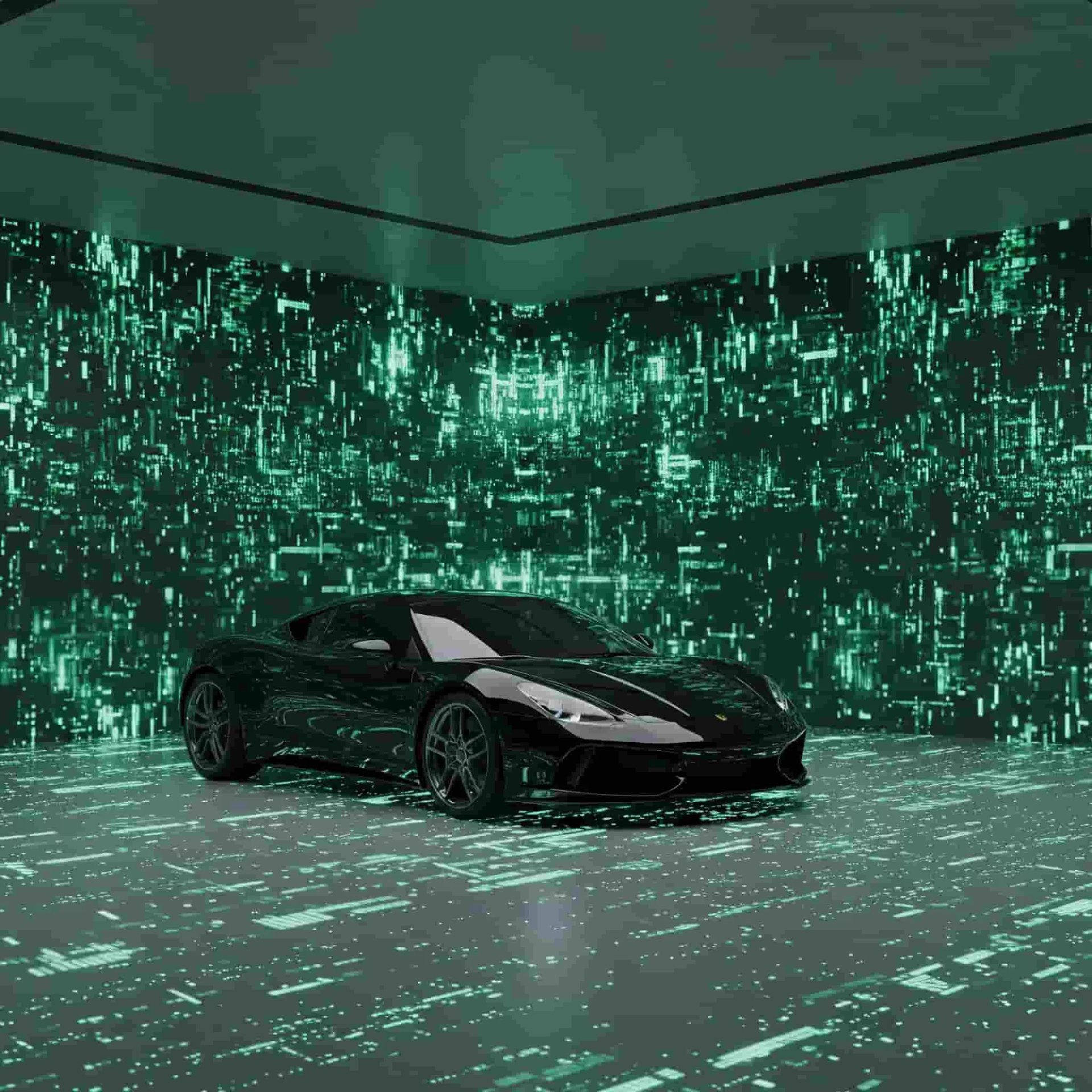
Pick from studio, showroom, and outdoor backdrops, or add your own dealership branding for a consistent look.
Upload sets of images and let the tool edit them all at once, saving hours and keeping your listings consistent.
Apply your logo, colors, and style automatically across every photo for one consistent dealership look.
Remove car backgrounds like an expert
Try it on a single set of photos and judge the quality for yourself. Then scale it across hundreds of listings without losing the consistency that builds buyer trust.
Frequently Asked Questions
Yes, and this is where a lot of generic tools fall short. Because our AI is trained on real vehicle shapes, it can tell a black car apart from a dark background and keep the edges crisp, so your car never blends into the scene.
It will. Our car background removal preserves window transparency and the natural reflections on your glass. This way, the car still looks real once the new background is in place, rather than flat or cut out like a sticker.
Yes. Bright sun, harsh shadows, and glare are all handled automatically, so a car you shot outdoors on a sunny day still comes out clean and listing-ready. You don't need perfect lighting or a covered space to get a good result.
A blurry photo may give a slightly weaker result, but the tool is trained to enhance and upscale your images, so it still comes out looking good. You don't need professional gear, just a steady phone photo, and the AI handles the rest.
Yes. Your exports come out sized and formatted for the major marketplaces, so the photos meet the listing image requirements on platforms like AutoTrader and Cars.com. You can upload them straight to your listings without reformatting.
75 E 3rd street, Sheridan, WY, 82801, USA
