Dealer Car Photos QA Checklist: 10 Points to Check Before Every Upload
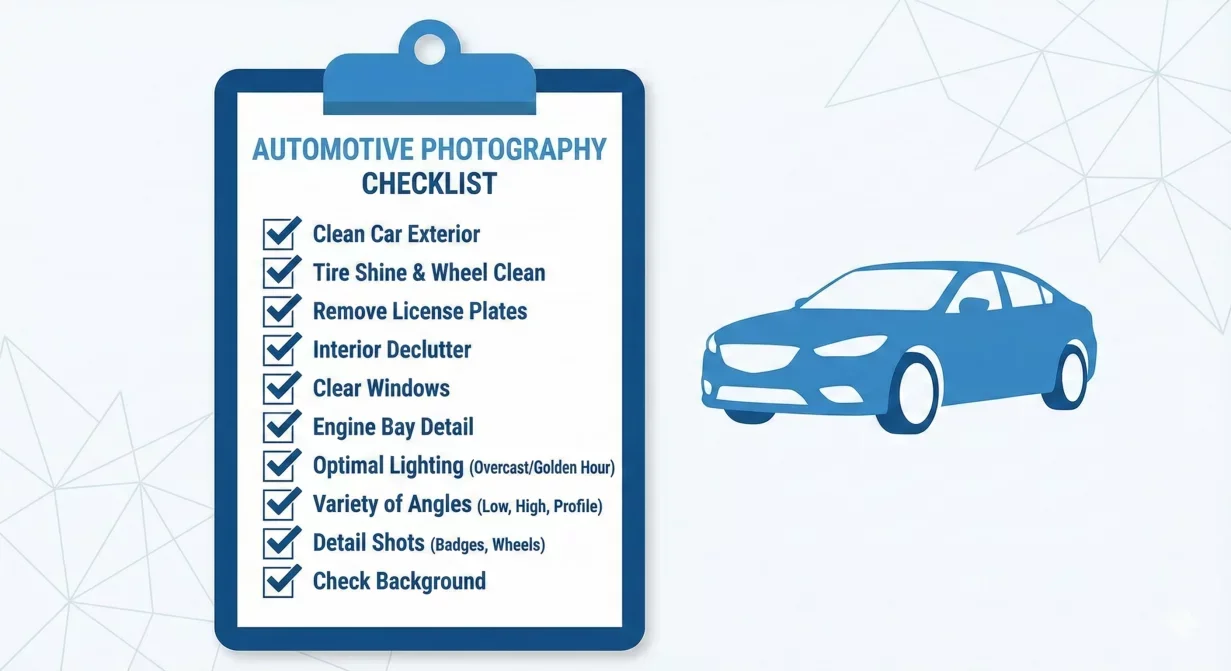
A dealer Car background photos QA checklist prevents errors from reaching buyers. Every photo you publish either builds trust or undermines it. This 10-point checklist catches the problems that damage credibility, from technical artifacts to missing angles, before they affect your marketplace performance.
Print this checklist and use it for every vehicle set before uploading. Systematic verification takes minutes but prevents the buyer skepticism that costs leads and sales.
The 10-point checklist at a glance
- Complete shot sequence
- Image sharpness
- Exposure and brightness
- Background quality
- Edge quality
- Shadow presence and placement
- Color accuracy
- No staging errors
- Correct file specifications
- Set consistency
Why pre-upload QA matters for dealers
The difference between dealers who generate quality leads and those who struggle often comes down to photo quality. Yet most dealers publish photos without systematic quality verification. They rely on quick glances that miss subtle problems.
Buyers zoom, scrutinize, and compare. They notice edge artifacts that looked fine at thumbnail size. They spot inconsistent backgrounds that signal carelessness. They question photos that feel slightly off even when they cannot articulate why.
A QA checklist transforms subjective impression into objective verification. Each point addresses a specific problem with clear pass/fail criteria. Anyone can apply the checklist consistently, regardless of photo editing experience.
Time invested in QA returns multiplied through faster sales cycles, fewer buyer questions, and stronger first impressions. The five minutes per vehicle spent on verification prevents the days lost to buyer hesitation caused by quality problems.
The 10-point dealer car photos QA checklist
Work through these checkpoints in order for every vehicle photo set before uploading to any marketplace or website.
Checkpoint 1: complete shot sequence
Verify all required angles are present. Missing photos raise buyer suspicions about what you might be hiding.
- Check for: Hero three-quarter front view, both side profiles, rear view, interior dashboard and front seats, rear seats, instrument cluster with visible odometer, trunk or cargo area.
- Pass criteria: All standard angles present for the vehicle type.
- Fail action: Return to capture before proceeding. Do not publish incomplete sets.
Checkpoint 2: image sharpness
Verify focus quality at full zoom. Soft photos suggest carelessness and prevent buyers from examining details.
- Check for: Sharp focus on the vehicle body in exterior shots, readable text on badges, instruments, and controls, clear tire tread and wheel detail, sharp interior surfaces and controls.
- Pass criteria: All critical details sharp when viewed at full resolution.
- Fail action: Recapture soft images or flag vehicle for reshoot.
Checkpoint 3: exposure and brightness
Verify proper exposure that reveals vehicle detail without blown highlights or crushed shadows.
- Check for: Visible detail in both bright and dark areas, no blown-out white areas lacking detail, no pure black shadows hiding information, consistent exposure across the photo set.
- Pass criteria: Full detail range visible, consistent across all photos in set.
- Fail action: Reprocess with exposure correction or recapture in better conditions.
Checkpoint 4: background quality
Verify backgrounds are clean, consistent, and appropriate for professional presentation.
- Check for: Consistent background across all exterior photos, no distracting elements visible in background, no original lot clutter showing through, background style appropriate for vehicle type.
- Pass criteria: All backgrounds match template standard, no artifacts or inconsistencies.
- Fail action: Reprocess with corrected background settings.
Checkpoint 5: edge quality
Verify clean edges around the vehicle without halos, fringing, or visible cutout artifacts.
- Check for: Smooth edges around body panels and wheel arches, clean separation around mirrors and antennas, no white or colored halos along vehicle outline, no jagged or pixelated boundaries.
- Pass criteria: Edges appear natural at full zoom with no visible processing artifacts.
- Fail action: Reprocess with refined edge settings or use better quality source.
Checkpoint 6: shadow presence and placement
Verify shadows anchor the vehicle to the ground naturally.
- Check for: Shadow present beneath vehicle, shadow positioned correctly under wheels and body, shadow intensity appropriate for background lighting, no floating vehicle appearance.
- Pass criteria: Vehicle appears grounded with natural shadow contact.
- Fail action: Reprocess with shadow generation enabled or adjusted.
Checkpoint 7: color accuracy
Verify paint color and interior colors appear accurate and consistent.
- Check for: Paint color matches actual vehicle, no unnatural color casts or tints, consistent color across all photos of same vehicle, interior colors appear realistic.
- Pass criteria: Colors appear accurate and would not mislead buyers about vehicle appearance.
- Fail action: Reprocess with color correction or verify source photo quality.
Checkpoint 8: no staging errors
Verify no unwanted elements appear in photos.
- Check for: No price stickers or dealer materials visible, no personal items from trade-ins, doors and hatches in correct positions for each shot type, no shadows of photographer or equipment.
- Pass criteria: Photos show only the vehicle as intended.
- Fail action: Edit to remove elements if possible, otherwise recapture.
Checkpoint 9: correct file specifications
Verify exported files meet platform requirements.
- Check for: Correct dimensions for target platforms, appropriate file size, correct file format, consistent naming convention with vehicle identifier.
- Pass criteria: Files ready for upload without modification.
- Fail action: Re-export with correct platform presets.
Checkpoint 10: set consistency
Verify the complete photo set presents a cohesive, professional package.
- Check for: All photos share consistent visual treatment, no random variations in background, lighting, or color, photos would display well together in gallery view, set represents vehicle accurately and professionally.
- Pass criteria: Set looks like it belongs together as a professional presentation.
- Fail action: Identify and correct inconsistent photos before upload.
Implementing the QA process
A checklist only works when consistently applied. Build QA into your workflow so it becomes automatic rather than optional.
When to perform QA
Quality check after processing, before export. Catching problems at this stage allows efficient correction. Discovering problems after upload wastes time and may require complete reprocessing.
For high-volume operations, consider a two-stage approach: quick scan during processing to catch obvious issues, then systematic checklist review before final export.
Who should perform QA
Ideally, someone other than the person who processed the photos. Fresh eyes catch problems that familiarity blinds. If staffing does not allow separation, build in a time gap between processing and QA to reset your perspective.
Tracking patterns
Record which checkpoints most often catch problems. If edge quality fails frequently, investigate your processing settings. If complete shot sequence fails often, review your capture training. Patterns reveal systematic issues worth addressing at the source.
How Car Background AI supports QA workflow
Car Background AI automated processing addresses many checklist items automatically. Consistent backgrounds, proper shadows, and edge quality are built into template-based processing. This reduces QA burden to verification rather than correction.
The platform batch processing applies consistent treatment across vehicle sets, minimizing the variation that QA must catch. When processing is reliable, QA becomes confirmation rather than quality creation.
Final thoughts
Dealer car photos QA should be systematic, not subjective. This 10-point checklist provides the structure to catch problems before they reach buyers. Print it, use it consistently, and track where issues arise. Over time, your pre-upload verification becomes faster as processing quality improves. Try Car Background AI to reduce the issues your QA checklist must catch.
Frequently asked questions
How long should QA take per vehicle?
With practice, five to seven minutes per vehicle set. Initial reviews take longer as you learn what to look for. The time investment pays back through reduced buyer questions and faster sales.
What if I find problems during QA?
Fix them before publishing. Reprocess photos with corrected settings or recapture if the source is the problem. Never publish photos that fail QA checkpoints just to save time.
Should every vehicle go through QA?
Yes. Skipping QA for some vehicles creates inconsistency and allows problems to reach buyers. The few minutes per vehicle prevents larger problems downstream.
What is the most commonly failed checkpoint?
Edge quality and shadow issues are common with automated background replacement. Complete shot sequence fails when capture processes are rushed. Track your own patterns to identify improvement priorities.
Can I automate the QA process?
Some checkpoints can be partially automated, but human review remains essential for assessing overall quality and believability. Use automation to flag potential issues, then verify manually.
Who should be responsible for QA in a dealership?
Ideally someone other than the photographer or processor. This separation provides fresh perspective. If one person handles the entire workflow, build in time between processing and QA to reset attention.

Tamas Magda
Co-founder, Growth and Partnerships at Car Background AI
Tamas Magda is co-founder of Car Background AI (carbackground.ai, CarBG), an AI car photo editor that replaces backgrounds on dealership inventory photos. He leads partnerships, growth, and business architecture, working with the development team on the product roadmap and with dealers on what their online listings actually need. He brings a background in venture building across APAC and MENA, and writes about vehicle merchandising, dealer photo workflows, and using AI on listing images without altering the car itself.
Tamas is a co-founder of Car Background AI and has a financial interest in the company. Articles that mention Car Background AI reflect that relationship.