Why Your Professional Car Photos Get Cropped on Marketplaces and How to Fix It
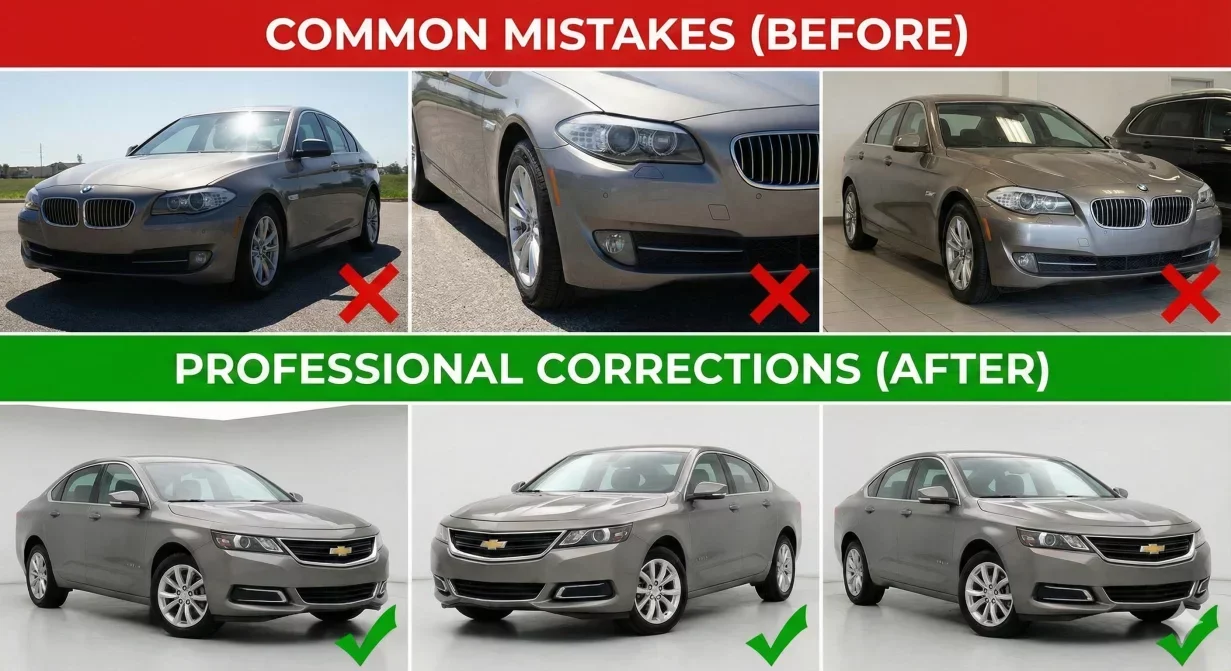
Professional Car background photos get cropped on marketplaces when aspect ratios and framing do not account for platform display requirements. The bumper you carefully included gets cut off in thumbnails. The badge that identifies the trim level disappears in search results. This guide explains why cropping happens and how to prevent it through proper capture and export practices.
Understanding safe zones ensures your vehicles display completely across every platform, from search thumbnails to full-size gallery views.
Why marketplaces crop your photos
Marketplace platforms display photos at various sizes and aspect ratios depending on context. The same photo appears differently in search results, listing pages, mobile views, and gallery thumbnails. Each display context may crop differently.
Aspect ratio mismatch
When your photo aspect ratio differs from the display area, platforms crop to fit. A 16:9 photo displayed in a 4:3 space loses the sides. A 4:3 photo displayed in a 16:9 space loses top and bottom. Platforms typically crop from edges toward center. Content at frame edges is most vulnerable to being cut off.
Thumbnail generation
Search result thumbnails often use different aspect ratios than full gallery views. A photo that displays completely in the gallery may crop significantly in search thumbnails. Since thumbnails drive click decisions, this cropping directly affects performance.
Understanding safe zones
The safe zone is the center area of your frame that survives cropping across all display contexts. Keep critical content within this zone to ensure it always displays.
The 80 percent rule
Keep the complete vehicle within the center 80 percent of your frame. The outer 10 percent on each edge is the danger zone where content may crop depending on platform and display context. This means buffer space around the vehicle. Side mirrors should not extend to frame edges.
Critical element protection
Identify what must never crop: complete vehicle outline, badges, license plate area, wheels touching ground. These elements should fall well within the safe zone, not just barely inside it.
Platform-specific safe zones
- Cars.com: Cars.com displays search thumbnails at approximately 4:3 aspect ratio. Keep vehicles within 78-80 percent of frame center. Side mirrors are the most common cropping casualty.
- CarGurus: CarGurus uses smaller thumbnails in dense search displays. Use a more conservative safe zone of 75 percent.
- Facebook Marketplace: Facebook feed thumbnails crop aggressively to 1.91:1 aspect ratio. For hero shots, keep vehicles within 75 percent center area.
Capture strategies for safe zone compliance
Frame wider than needed
Capture with extra space around the vehicle. You can always crop in during processing, but you cannot recover content that was not captured.
Consistent positioning
Use consistent vehicle positioning for each shot type. Mark positions on your lot if helpful. Consistency makes safe zone compliance automatic.
How Car Background AI addresses cropping
Car Background AI processing includes automatic centering and framing that positions vehicles optimally within safe zones. Export presets include aspect ratio configurations matched to each platform.
Final thoughts
Professional car photos get cropped when framing does not account for platform display requirements. Keep vehicles within the center 75-80 percent of frame, export at platform-appropriate aspect ratios, and verify display through test uploads. Process photos through Car Background AI for automatic safe zone compliance.
Frequently asked questions
What is a safe zone in car photography?
The safe zone is the center area of your frame that survives cropping across all platform display contexts. Typically the center 75-80 percent.
Why does the same photo crop differently on different platforms?
Platforms use different aspect ratios and thumbnail sizes for display. Each platform context may crop differently.
Which parts of the vehicle crop most often?
Side mirrors extending to frame edges are the most common casualties. Bumpers close to frame edges also crop frequently.
Can I fix cropping problems after photos are taken?
Only if you captured with buffer space. Always capture wider than needed.
Do safe zones apply to interior photos?
Less critically. Interior photos typically display in gallery contexts with more consistent cropping.
How do I test if my photos will crop correctly?
Upload test images to each platform you use. View them in search thumbnails, listing pages, and mobile views.

Tamas Magda
Co-founder, Growth and Partnerships at Car Background AI
Tamas Magda is co-founder of Car Background AI (carbackground.ai, CarBG), an AI car photo editor that replaces backgrounds on dealership inventory photos. He leads partnerships, growth, and business architecture, working with the development team on the product roadmap and with dealers on what their online listings actually need. He brings a background in venture building across APAC and MENA, and writes about vehicle merchandising, dealer photo workflows, and using AI on listing images without altering the car itself.
Tamas is a co-founder of Car Background AI and has a financial interest in the company. Articles that mention Car Background AI reflect that relationship.