
The car photo editor app that replaces your entire editing workflow
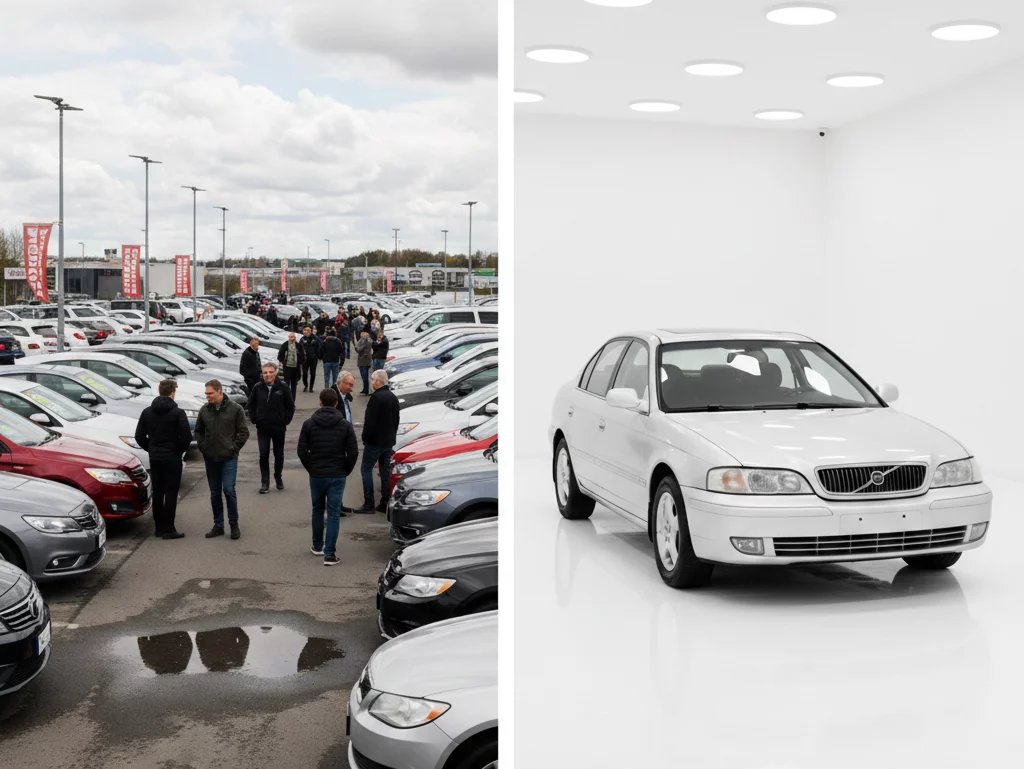
Try the best car photo editor app made for car dealers. Snap a photo on the lot, swap the cluttered background for a clean showroom scene, and get a listing-ready image without a studio.
Edit, brand & export your car photos from one place.


What users say about Car Background AI
We used to spend 2 hours editing photos for each car. Now our whole lot is done before lunch. The car background remover paid for itself in the first week.

Finally, our listings look consistent. Every car, same professional background. The AI car photo editor handles everything automatically.

The professional backgrounds elevate my car listing ads, and create high trust and faster sales. I especially like that all details of the cars remain the same, but the visuals are photo booth quality!

Editing car photos is harder than it should be
Editing a car photo usually means too many steps. One tool to cut the background, another to clean it up, a third to brand it, and none of them made for vehicles. By the time it looks right, you've lost half an hour per car. Car Background AI handles all of it in one app, built for the job.
Everything you need in one car photo editor app

Drag and drop photos from your phone or camera. JPG, PNG, and WebP accepted.
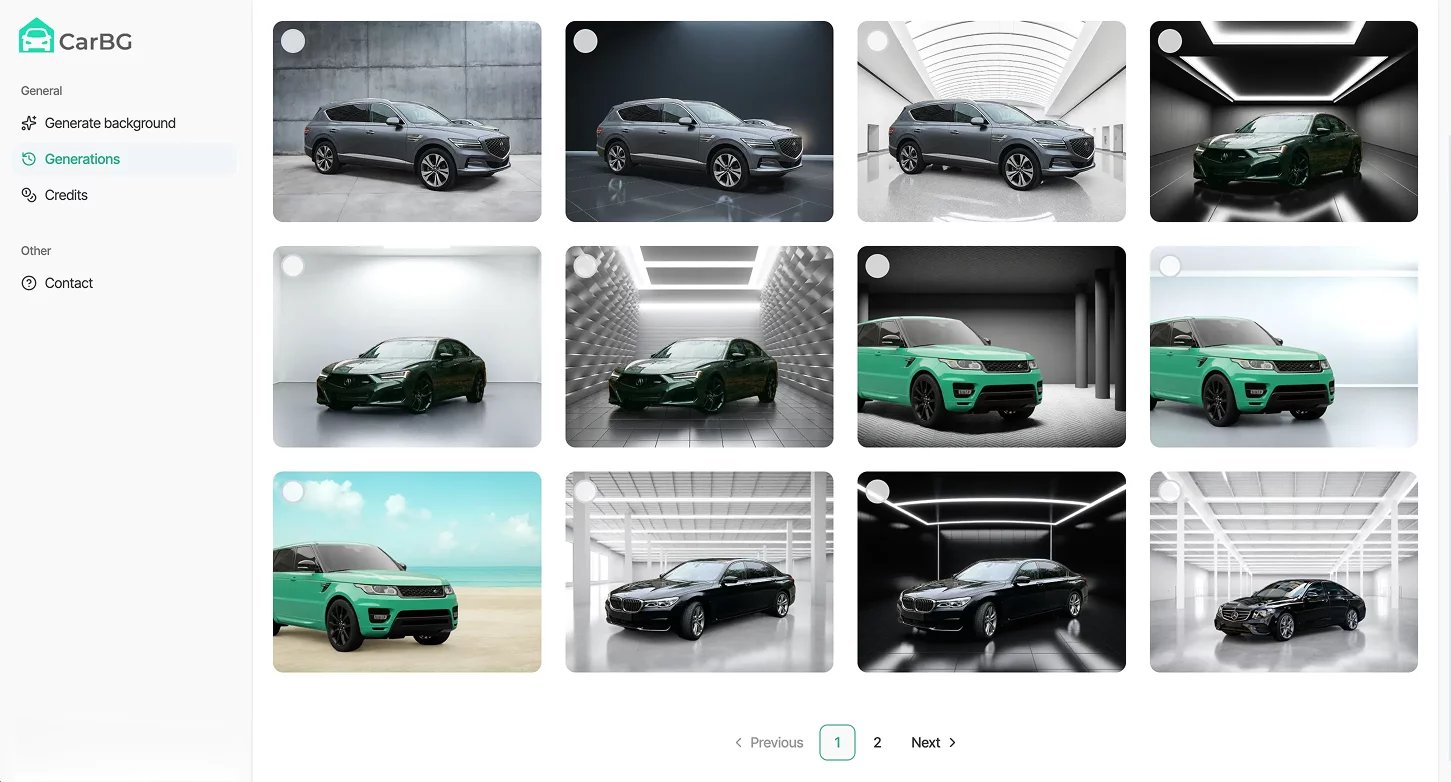
The AI detects the vehicle, removes the background, and rebuilds the scene from your chosen template. It also handles mirrors, wheels, and reflections automatically.
Download marketplace-ready images and upload them straight to your listings.
Why dealers love this car photo editor app
Remove backgrounds, clean up the shot, add your branding, and export, all in one app. No bouncing between separate tools.
Work straight from your phone, right where the car is parked. No desktop, no fine-tuning, no waiting until you're back at the office.
Upload a batch of photos at once and get consistent results across every car, so your whole listing grid looks like it belongs together.
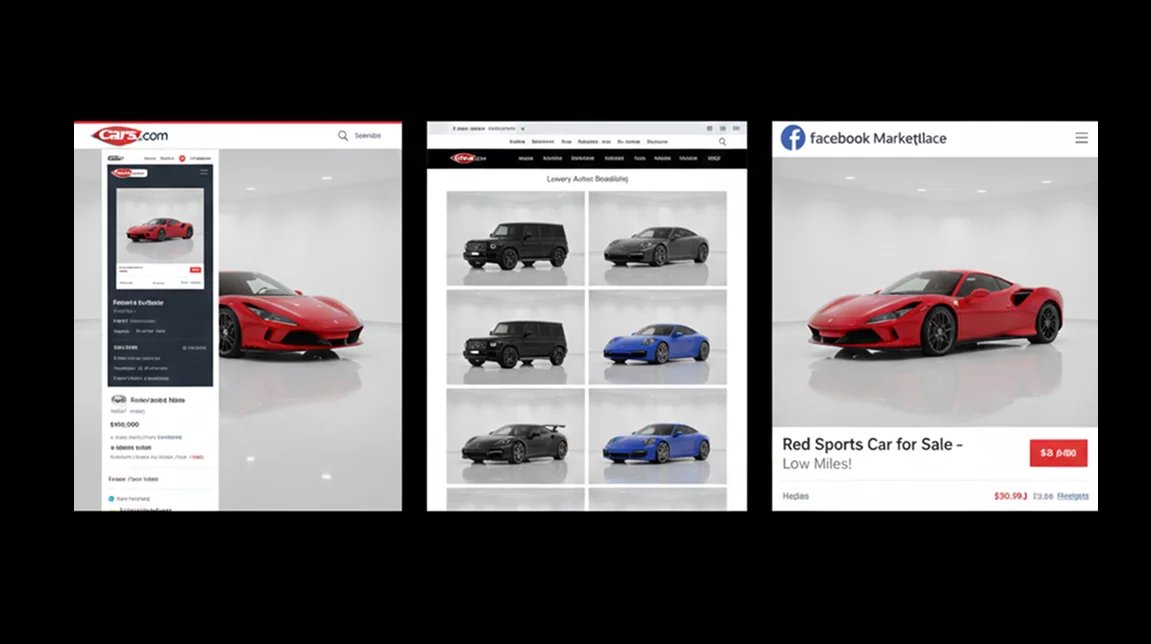
Export images sized and formatted for Cars.com, CarGurus, Facebook Marketplace, and your own website, ready to publish.
Who uses our car photo editor app
However you sell cars, this car background removal fits the way you work.
Used car dealerships
Edit new inventory the moment it arrives, all in one place. Turn inconsistent lot photos into a clean, professional catalog that builds buyer trust.

Sales and marketing teams
Snap photos on a phone and edit them right on the lot, then keep every listing consistent across your website, marketplaces, and social.
Listing and admin staff
Edit 50+ vehicle photos in one batch and get consistent results, no matter who shot the originals or what the backgrounds looked like.
Automotive photographers
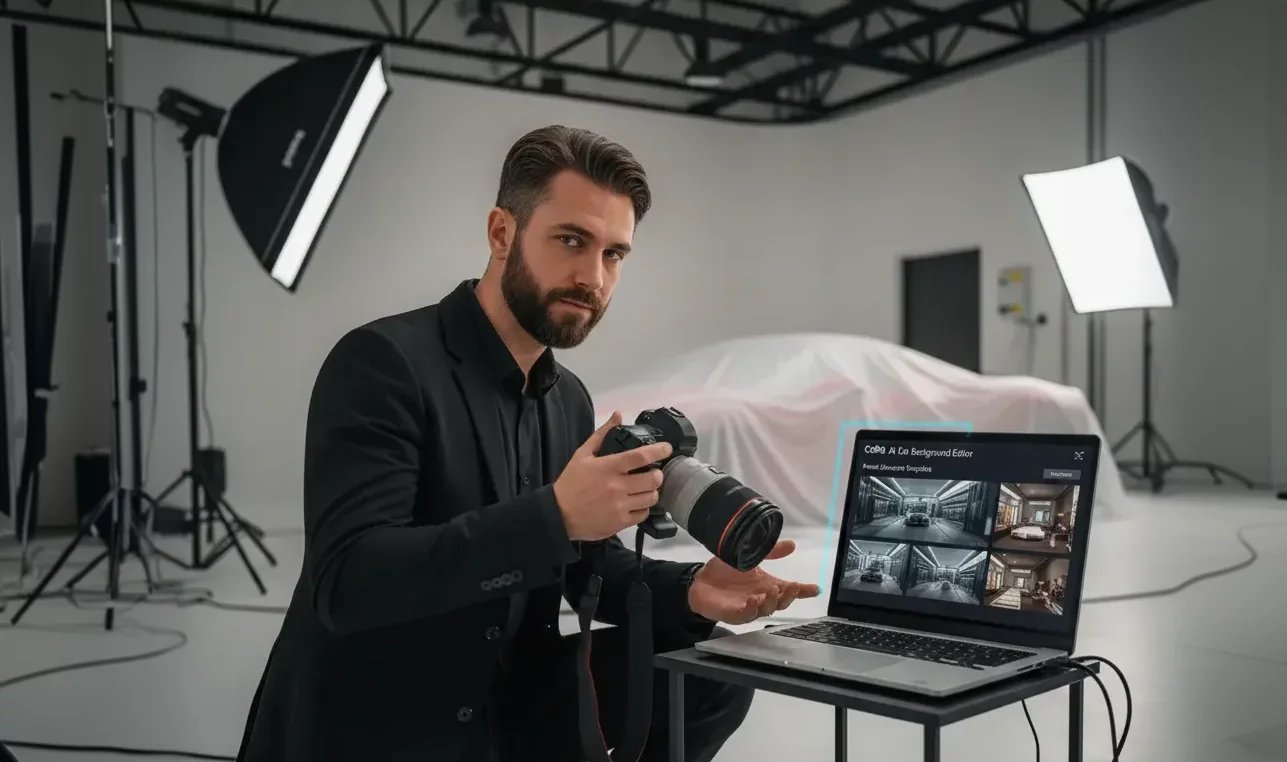
Handle the full edit in one app and deliver clean dealership photography on the first pass, while your focus stays on getting the shot.
Private sellers
Turn driveway photos into dealership-quality listing images from your phone. No desktop, no Photoshop, no editing skills needed.
Most editing apps weren't made for cars
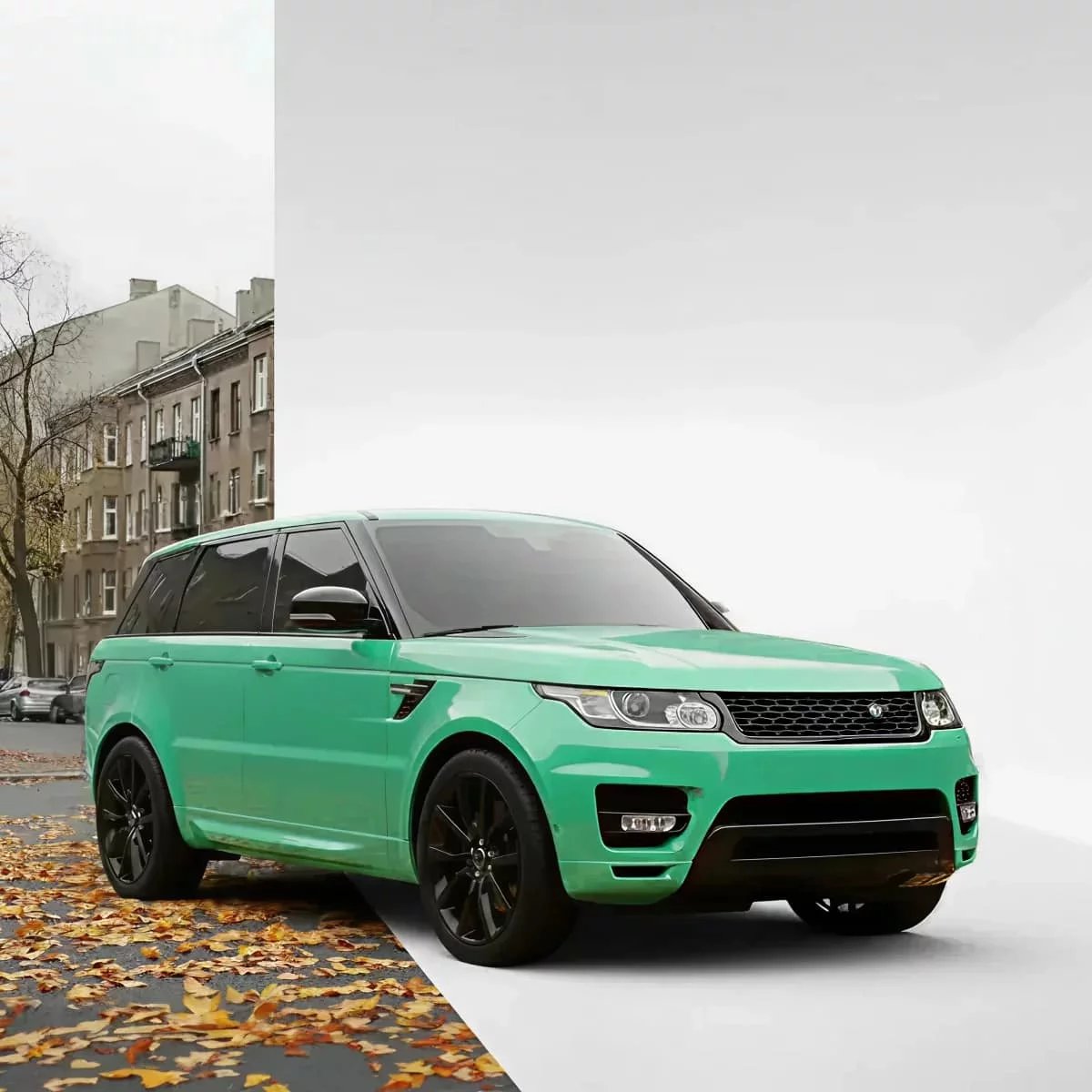
Most photo editing apps treat a car like any other object. They miss the details that matter on a vehicle, and they leave you jumping between separate tools to finish one listing. Doing it all by hand works, but it eats your whole day. There's a better way.
Car Background AI vs. standard tools
Not all car photo tools are created equal. Generic background removers weren't built for automotive. Manual editors take forever. Here's how our car photo editor app stacks up.Need more than a car photo editor app?
Car Background AI does more than edit photos. Explore the rest of the toolkit built for dealer listings.
Detect the vehicle, strip the cluttered background, and drop in a clean, branded, or showroom-style scene automatically.
Pick from studio, showroom, and outdoor backdrops, or add your own dealership branding for a consistent look.
Upload sets of images and let the tool edit them all at once, saving hours and keeping your listings consistent.
Apply your logo, colors, and style automatically across every photo for one consistent dealership look.
Make every car look like it belongs in a showroom
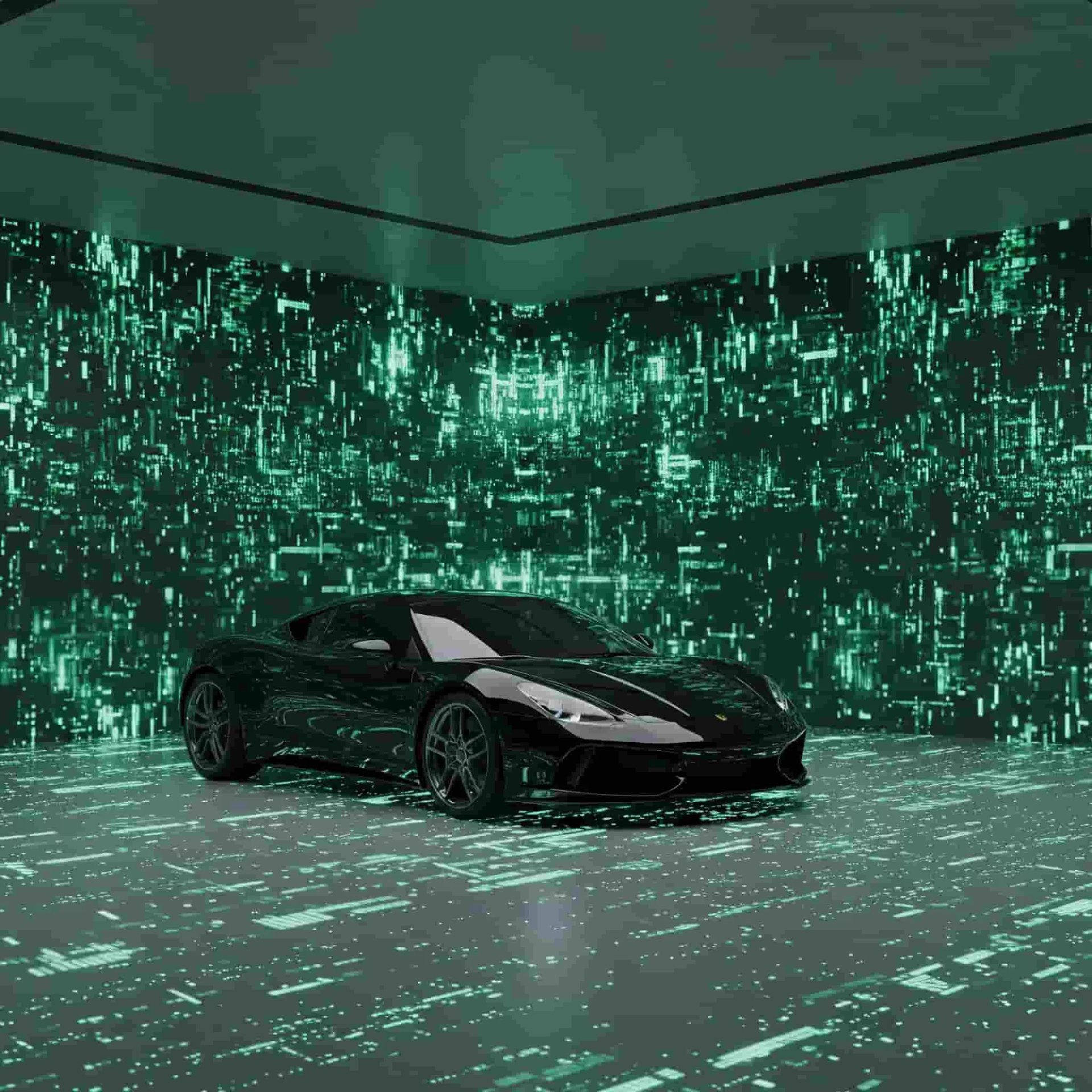
Background, branding, export, all in one place, all from your phone. Drop in your first photos and see what Car Background AI does to your cars before you pay a thing.
Frequently Asked Questions
Yes. Set your logo once, and it applies across the whole batch. This way, every listing carries your branding in the same spot without you placing it on each car by hand.
Yes, and this is where generic tools tend to struggle. Car Background AI is trained on real car shapes, so it follows the fine edges around wheel wells, mirrors, and glass instead of cutting into them.
Yes. Upload the full batch and edit them together rather than going car by car. The same settings carry across the set, so your results stay consistent, and your listing grid looks like one clean shoot.
Yes. Car Background AI changes what's behind the vehicle, never the vehicle itself. The car buyers see is the one you photographed, just against a cleaner background. This keeps your listings honest while still looking professional.
Yes. Your exports come sized and formatted for the major marketplaces, so you can upload to platforms like Cars.com and AutoTrader without resizing or reformatting anything first.
