대량 처리 실패 문제 해결: 일반적인 오류 및 빠른 해결 방법
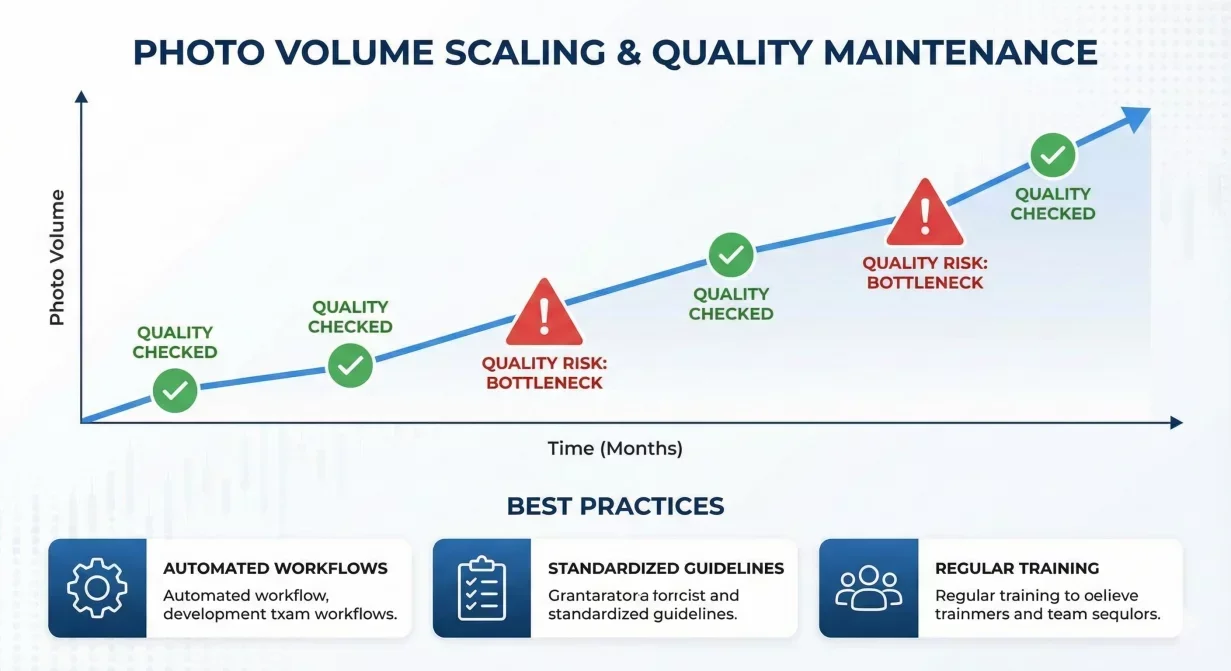
Bulk car background processing failures disrupt photo workflows and delay listings. When batch operations fail or produce poor results, quick diagnosis and correction gets operations moving again. This troubleshooting guide addresses the most common bulk processing problems with specific solutions.
At a glance
- Batch upload fails or times out
- Processing completes but quality is poor across batch
- Some photos process correctly, others fail
- Processing takes much longer than expected
- Processed photos look different than preview
- Batch produces duplicate or wrong files
- Export fails or produces incomplete downloads
Problem: batch upload fails or times out
- Possible causes: file size exceeds limits, network interruption, file format issues, and browser problems.
- Solutions: Check file sizes against platform limits, reduce batch size, verify network stability, check file formats, clear browser cache, and try different browser.
Problem: processing completes but quality is poor across batch
- Possible causes: wrong template selected, template settings corrupted, source photos below quality threshold, and processing system error.
- Solutions: Verify template selection, test template on single photo, review template settings, inspect source photos, test different batch, and contact support if issues persist.
Problem: some photos process correctly, others fail
- Possible causes: inconsistent source quality, file-specific problems, and content-specific processing limits.
- Solutions: Identify pattern in failures, compare source quality between successful and failed photos, check file properties, isolate and reprocess, recapture if necessary.
Problem: processing takes much longer than expected
- Possible causes: large file sizes, complex template settings, platform capacity constraints, and network speed issues.
- Solutions: Check file sizes and resize if needed, simplify template temporarily, check platform status, test network speed, break into smaller batches.
Problem: processed photos look different than preview
- Possible causes: preview vs. full resolution difference, export settings mismatch, color profile conversion, and platform display differences.
- Solutions: Download and inspect full resolution, verify export settings, test platform upload, standardize color profile to sRGB.
Problem: batch produces duplicate or wrong files
- Possible causes: upload organization error, naming convention issues, and browser caching.
- Solutions: Verify source organization, implement naming conventions, clear cache between batches, process one vehicle at a time.
Problem: export fails or produces incomplete downloads
- Possible causes: download interruption, storage space, and browser download limits.
- Solutions: Retry download, check available storage, download in smaller batches, use download manager.
Preventive measures
Standardize source photo quality before upload. Use consistent file naming. Test templates before bulk application. Keep batches to manageable sizes. Maintain stable network. Clear browser cache regularly.
How Car Background AI handles bulk processing
Car Background AI's bulk processing infrastructure is designed for reliability at volume. Consistent template-based processing reduces quality variation.
Final thoughts
Bulk processing failures are usually diagnosable and fixable with systematic troubleshooting. Start with common causes, isolate variables through testing, and address root causes. Process with Car Background AI for reliable bulk operations with clear diagnostic feedback.
Frequently asked questions
What should I do when a batch fails completely?
Start by reducing batch size and retrying with a subset of photos. If smaller batches succeed, the issue is volume-related. If they also fail, check source quality and template configuration.
How do I know if the problem is my files or the platform?
Test with different photos from different sources. If various photos fail consistently, the issue is likely platform or configuration. If only specific photos fail, those photos have issues.
Should I contact support for every processing failure?
Try basic troubleshooting first. Contact support when issues persist after troubleshooting, or when error messages indicate platform-side problems.
What batch size works best to avoid failures?
Batches of 20-50 photos typically balance efficiency with reliability. Larger batches risk more impact from single failures.
How can I prevent bulk processing failures?
Standardize source quality, use consistent naming, test templates before bulk application, maintain stable network, keep batches reasonable.

Tamas Magda
Car Background AI 공동 창업자, 성장 및 파트너십 총괄
Tamas Magda는 딜러 재고 차량 사진의 배경을 교체하는 AI 자동차 사진 편집 도구인 Car Background AI(carbackground.ai, CarBG)의 공동 창업자입니다. 파트너십, 성장, 비즈니스 아키텍처를 총괄하며, 개발팀과 함께 제품 로드맵을 만들고 딜러들과는 온라인 매물에 실제로 필요한 것이 무엇인지 논의합니다. APAC과 MENA 지역에서 벤처 빌딩 경험을 쌓았으며, 차량 머천다이징, 딜러 사진 워크플로, 그리고 차량 자체를 변형하지 않고 매물 이미지에 AI를 활용하는 방법에 대해 글을 씁니다.
Tamas는 Car Background AI의 공동 창업자로서 회사에 재무적 이해관계가 있습니다. Car Background AI를 언급하는 글에는 이러한 관계가 반영되어 있습니다.