100% gratis · 10 gratis genereringer
Opret dine egne brugerdefinerede bilbaggrunde med blot ét klik
Det har aldrig været nemmere, hurtigere og billigere at oprette brugerdefinerede bilbaggrunde. Byg din egen scene, indendørs eller udendørs, gem den i dit bibliotek og brug den på alle de biler, du sætter til salg.


Betroet af 1000+ forhandlere og private sælgere verden over
ANMELDELSER
Forhandlere elsker det. Her er grunden til, at du vil gøre det samme
★★★★★
Denne platform har forenklet min arbejdsgang med bilsalg! Jeg har lavet flere rene billeder på en brøkdel af den tid, det tog før.
AT
Alex Thompson
Brugtbilsforhandler, USA
★★★★★
Dette er den bedste fotoapp til biler, jeg har stødt på. Jeg har opgraderet billederne for hele vores lager, og det tog mig kun sekunder pr. bil.
SK
Sarah Kim
Social Marketing Manager, XYZ Auto Dealership
★★★★★
De professionelle baggrunde løfter mine bilannoncer og skaber høj tillid og hurtigere salg. Alle detaljer på bilerne er de samme, men billederne har fotostudie-kvalitet!
JP
Jason Patel
Bilforhandlerleder, Indien
Oversigt
Hvad er brugerdefinerede bilbaggrunde?
Brugerdefinerede bilbaggrunde er baggrunde, du selv bygger i Car Background AI, til de situationer, hvor det færdige udvalg ikke har den scene, du ønsker. I stedet for at nøjes med den nærmeste mulighed opretter du præcis den baggrund, du har brug for, gemmer den i dit eget bibliotek og bruger den på alle de biler, du sætter til salg.
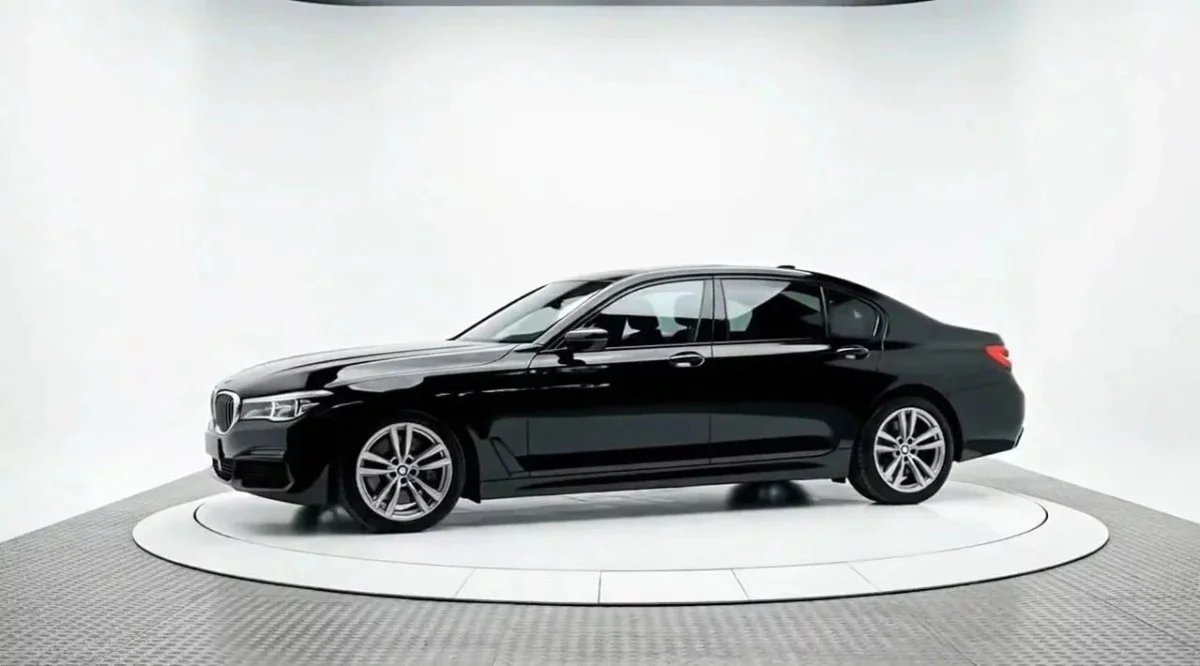
HVAD DU KAN GØRE
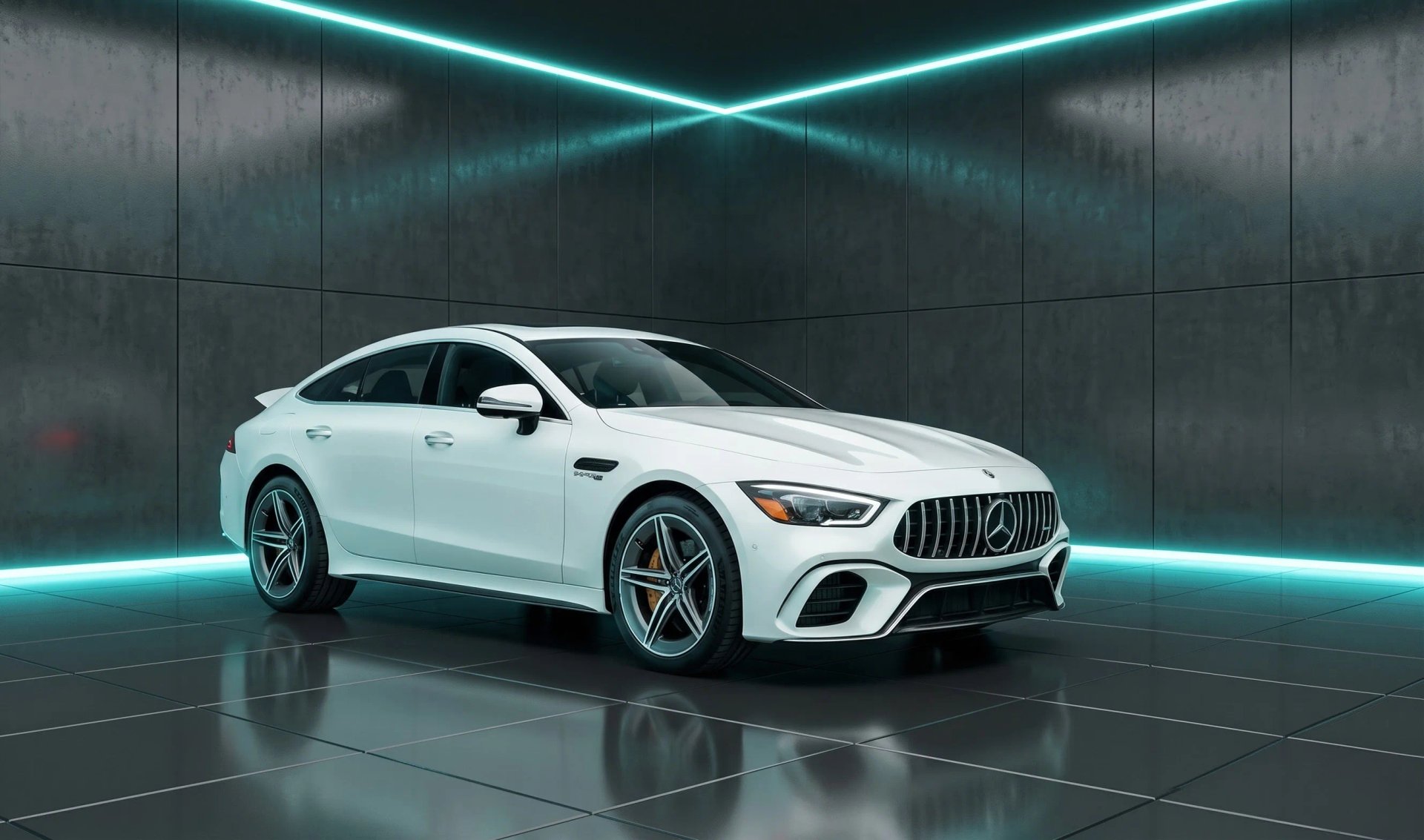
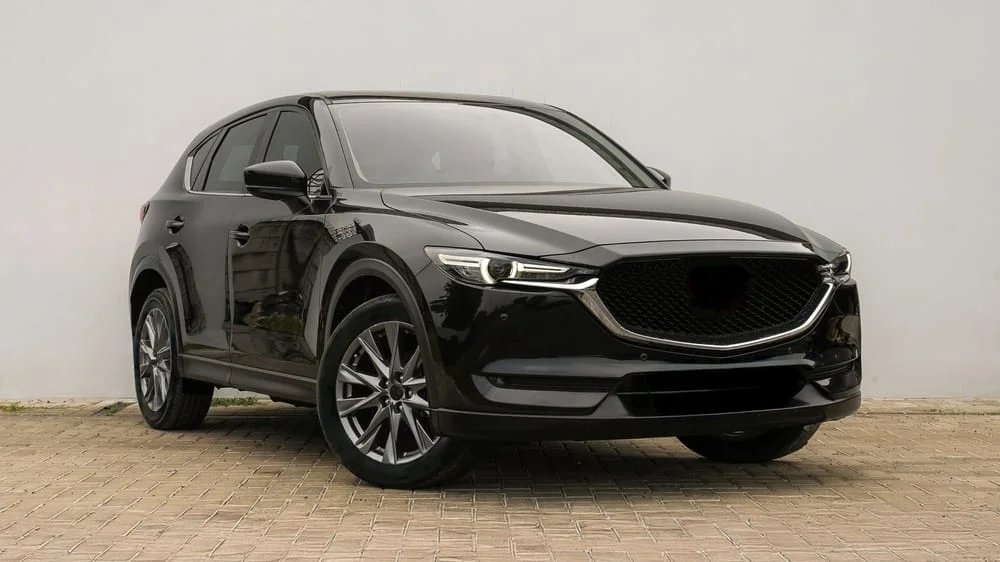
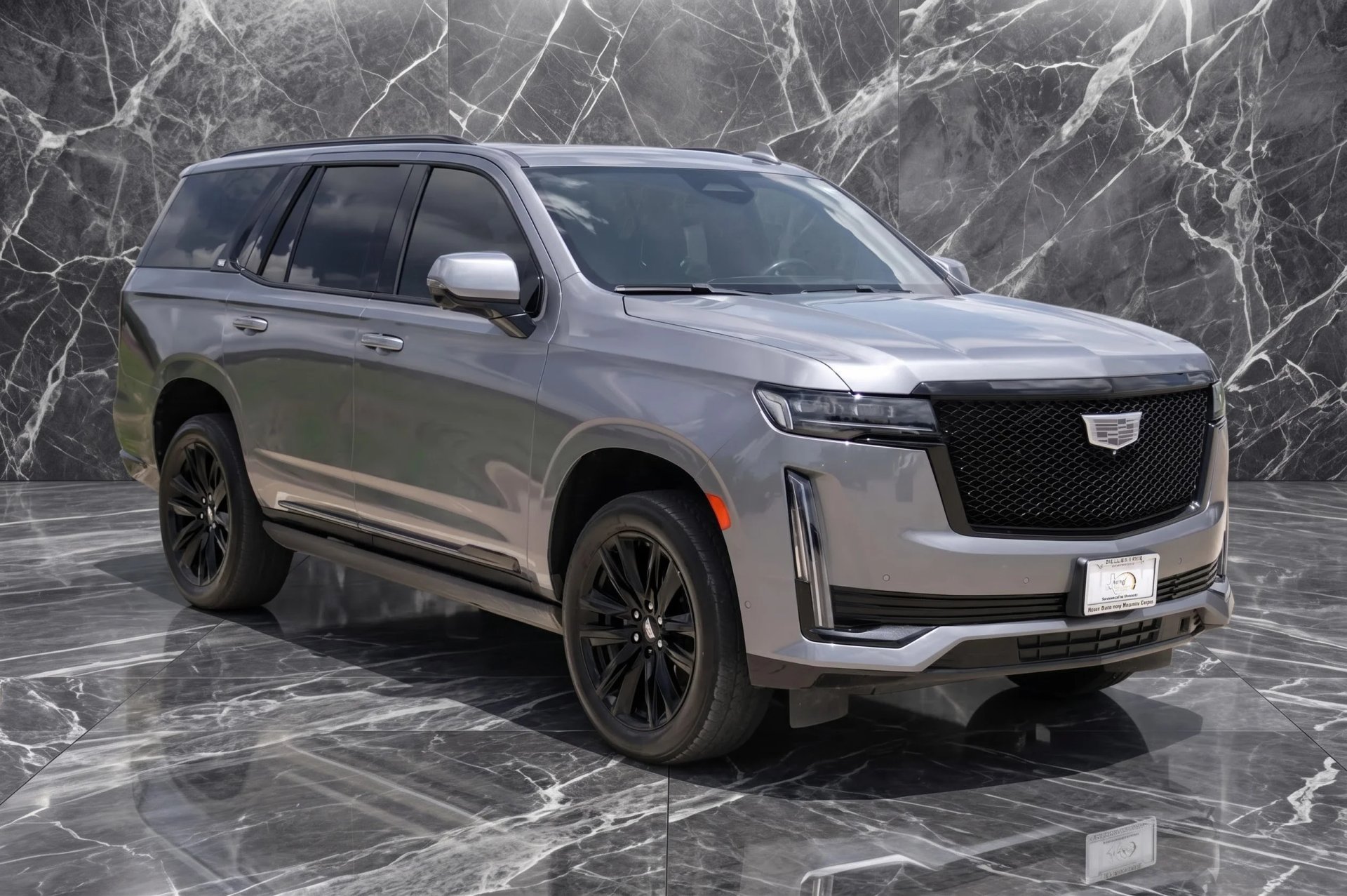
Lav præcis den baggrund, du har brug for
Skab scenen, gem den og genbrug den på tværs af dit lager. Samme kvalitet, som du allerede stoler på – nu på en baggrund, du selv har bygget.
Indendørs eller udendørs
Byg en studiestilsmæssig indendørsvæg eller en ægte udendørs setting – hvad der passer til bilen og annoncen.
Gemt i dit bibliotek
Alle baggrunde, du opretter, gemmes under Dine baggrunde, klar til genbrug, når du vil.
Brug på alle biler
Brug dine brugerdefinerede bilbaggrunde på ét billede eller en hel batch. Lav det én gang, brug det for evigt.
Et udseende, der er dit
Match din showroom eller dit brand, så dine annoncer holder op med at ligne alle andre forhandleres.
Samme kendte kvalitet
De samme rene kanter og naturlige perspektiv – på en scene, du selv har bygget.
Bilen forbliver ærlig
Kun baggrunden ændres. Køretøjet forbliver præcis, som det er, så køberne ser den ægte bil.
Sådan virker det
Ingen fotograf, intet studie, ingen redigeringsfærdigheder. Den baggrund, du laver én gang, er klar til alle biler, du sætter til salg bagefter.
1.
Åbn værktøjet
Gå til Baggrunde og tryk på opret baggrund.
2.
Byg din scene
Opsæt den indendørs- eller udendørsbaggrund, du ønsker.
3.
Gem den
Den lander i dit bibliotek, klar til næste gang.
4.
Brug på alle biler
Brug den på ét billede eller en hel batch.
Hvorfor lave dine egne brugerdefinerede bilbaggrunde
De færdige baggrunde giver de fleste forhandlere præcis det, de har brug for. Men nogle gange ønsker du noget specifikt: en baggrund, der matcher din faktiske showroom, en setting, der passer til dit brand, eller en scene, det standardudvalg ikke inkluderer. Brugerdefinerede baggrunde giver dig det uden at booke et studie eller hyre nogen.
Der er også en mere stille fordel. Alle forhandlere, der bruger et færdiglavet værktøj, ender typisk med de samme få baggrunde. Når du bygger dine egne, holder dine annoncer op med at ligne alle andres. Det er en reel fordel på en overfyldt annonceside, hvor billedet er det første, en køber bedømmer.
Prøv gratis
Hvem bygger brugerdefinerede baggrunde hos os?
Uanset hvordan du sælger biler, passer en baggrund, du selv har bygget, til den måde, du arbejder på.
Brugtbilsforhandlere
Byg én baggrund, der matcher din showroom, og kør hele lageret igennem den – så ser alle annoncer ud som fra samme forhandler.
Forhandlergrupper og markedspladser
Sæt én aftalt scene og brug den på tværs af alle forhandlersteder, så tusindvis af annoncer forbliver konsistente uanset, hvem der uploadede dem.
Bilfotografer
Gem en signaturbaggund og genbrug den på tværs af kundearbejde, så du ikke skal bygge et nyt setup til hvert shoot.
Private sælgere
Placer din egen bil i en scene, du har bygget, og få et annoncebillede i forhandlerkvalitet – ingen redigeringsfærdigheder kræves.
Annonce- og administrationsteams
Brug en gemt baggrund på en hel batch og få det samme udseende hver gang, uanset hvem der tog originalbillederne.
Sælger du biler på en anden måde?
Brugerdefinerede bilbaggrunde virker på samme måde på alle køretøjsbilleder. Byg én og prøv den på en af dine egne biler.
BAGGRUNDSMULIGHEDER
Færdige eller dine egne
Så, hvilken skal du bruge? Begge bor samme sted, så du kan blande dem, som du vil.
Færdige baggrunde
Bedst når du vil have hurtigt og konsistent
✓ Rene scener lavet til forhandlere, klar med ét klik
✓ Et konsistent udseende på tværs af hele dit lager
✓ Intet at opsætte eller bygge
✓ Den hurtigste vej til annonceklare billeder
Brugerdefinerede baggrunde
Bedst når du vil have et udseende, der er dit
✓ Byg en hvilken som helst indendørs- eller udendørsscene
✓ Match din egen showroom eller dit brand
✓ Gemt i dit bibliotek og genbrugt så tit, du vil
✓ Annoncer, der ikke ligner alle andres
Har du brug for mere end brugerdefinerede baggrunde?
Car Background AI gør mere end at bygge brugerdefinerede bilbaggrunde. Udforsk resten af værktøjspakken, der er bygget til forhandlerannoncer.
Fjernelse af bilbaggrund
Fjern den rodet baggrund fra ethvert bilbillede og få et rent udklip – med svære kanter som vinduer og antenner intakt.
Bilredigeringsværktøj
Alt samlet ét sted for at tage et råbillede hele vejen til et færdigt, annonceklart billede.
Baggrundsudskiftning
Byt en rodet opståldsplads ud med en ren, branded baggrund – med perspektivet siddende naturligt bag bilen.
Masseredigering af billeder
Upload en hel batch og få alle biler tilbage med det samme konsistente udseende, klar til dine annoncer.
Forhandlerbranding
Tilføj dit logo og brandudseende på tværs af alle billeder, så dit lager bærer én konsistent identitet.
Byg en baggrund og se den på din egen bil
Lav én scene, brug den på et køretøj, du allerede har annonceret, og bedøm resultatet selv. Intet opkald, og opsig når som helst.
Abonnement fra 29 $/md. · 10 gratis genereringer · Opsig når som helst
Ofte stillede spørgsmål
Ja. Ud over det færdige udvalg kan du bygge din egen baggrund i Car Background AI, gemme den i dit bibliotek og bruge den på et vilkårligt bilbillede.
Både indendørs- og udendørsscener. En studiestilsmæssig væg, en showroom-setting, en udendørslokation – hvad der passer til dine annoncer.
De bruger den samme AI, så bilen beholder sit naturlige perspektiv, rene kanter og realistisk skygge i en scene, du selv har bygget.
Ja. Når du gemmer en baggrund, forbliver den i dit bibliotek, og du kan bruge den på så mange biler, du vil – enkeltbilleder eller hele batches.
Nej. Det ændrer kun baggrunden bag bilen. Køretøjet forbliver præcis, som det er, hvilket holder dine annoncer ærlige.
Ja. Du får 10 gratis genereringer og kan opsige når som helst, så du kan bygge en baggrund og se den på dine egne biler, før du beslutter dig.