100% free · No credit card required
Create your own custom car backgrounds with just one click
Creating custom car backgrounds has never been easier, faster, and cheaper. Build your own scene, indoor or outdoor, save it to your library, and apply it to any car you list.


Trusted by 1000+ dealerships and independent sellers worldwide
TESTIMONIALS
Dealers love it. Here’s why you will too
★★★★★
Using this platform has simplified my car sales workflow! I've created multiple clean pictures and in the fraction of the time than before.
AT
Alex Thompson
Used-Car Dealer, USA
★★★★★
This is the best photo app for cars I have encountered. I've upgraded the vehicle imagery for all our inventory, and it only took me seconds for each car.
SK
Sarah Kim
Social Marketer, XYZ Auto Dealership
★★★★★
The professional backgrounds elevate my car listing ads, and create high trust and faster sales. All details of the cars remain the same, but the visuals are photo booth quality!
JP
Jason Patel
Car Dealership Manager, India
Overview
What are custom car backgrounds?
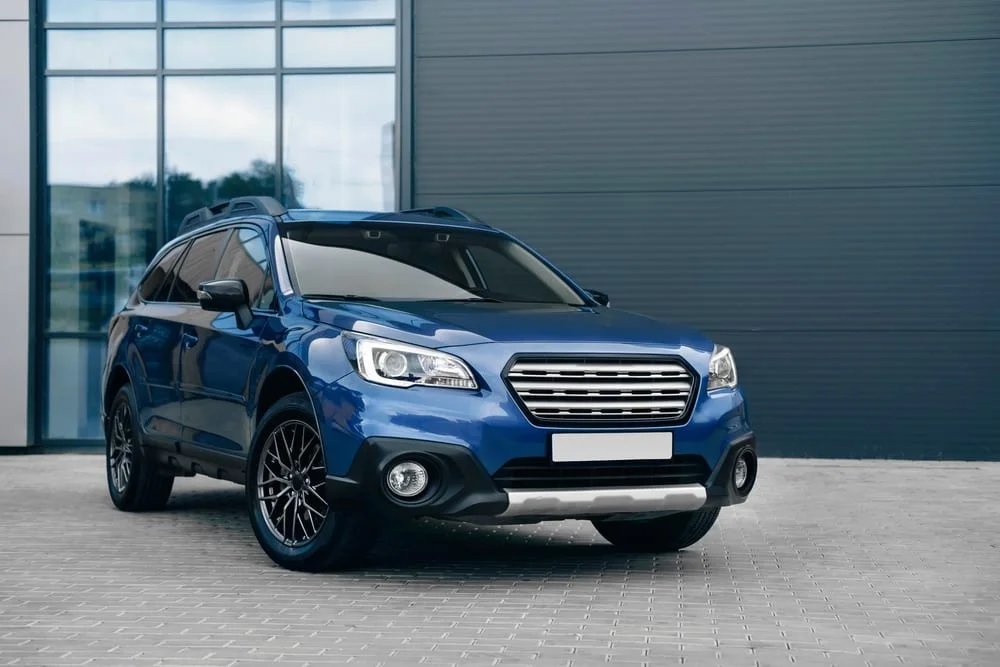
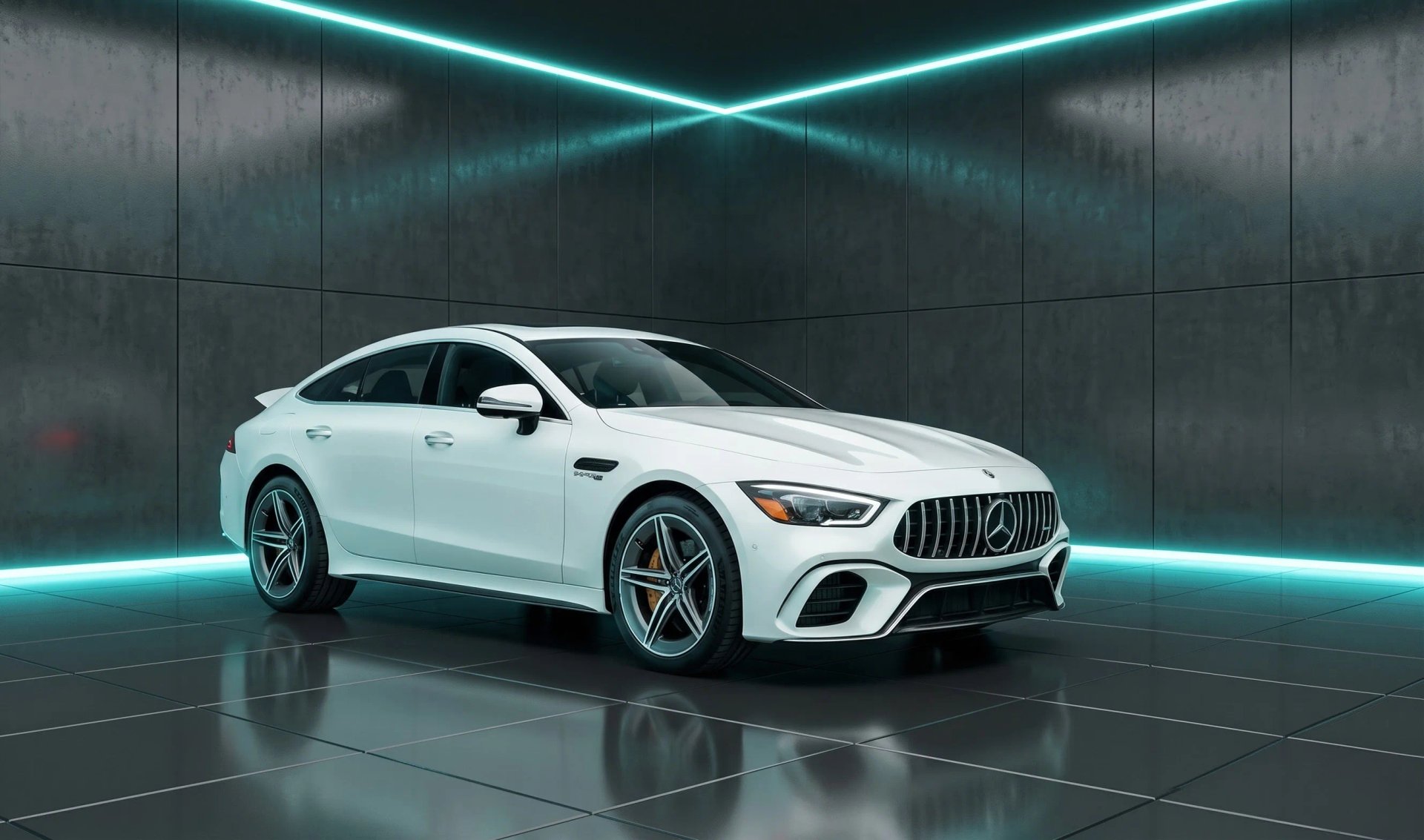
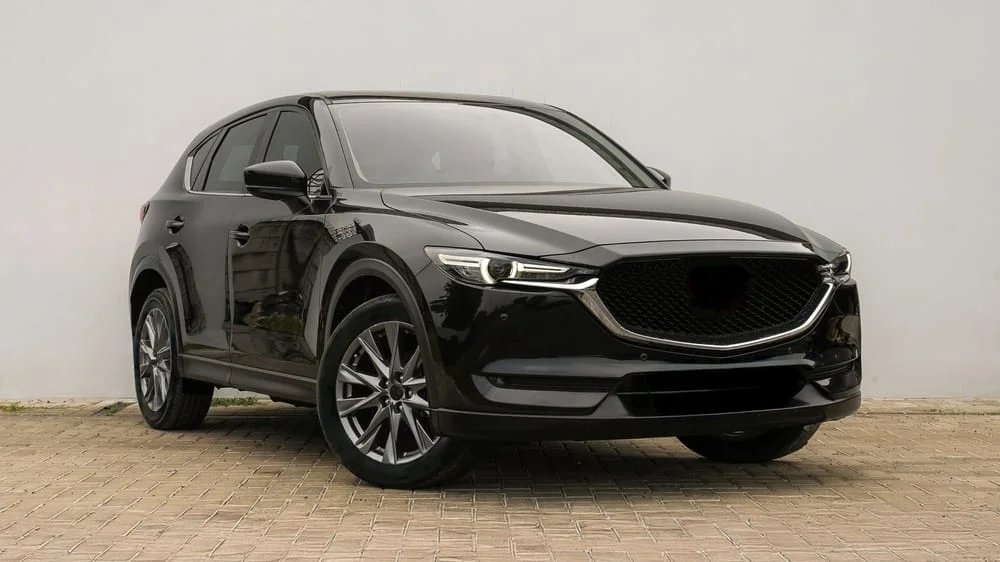
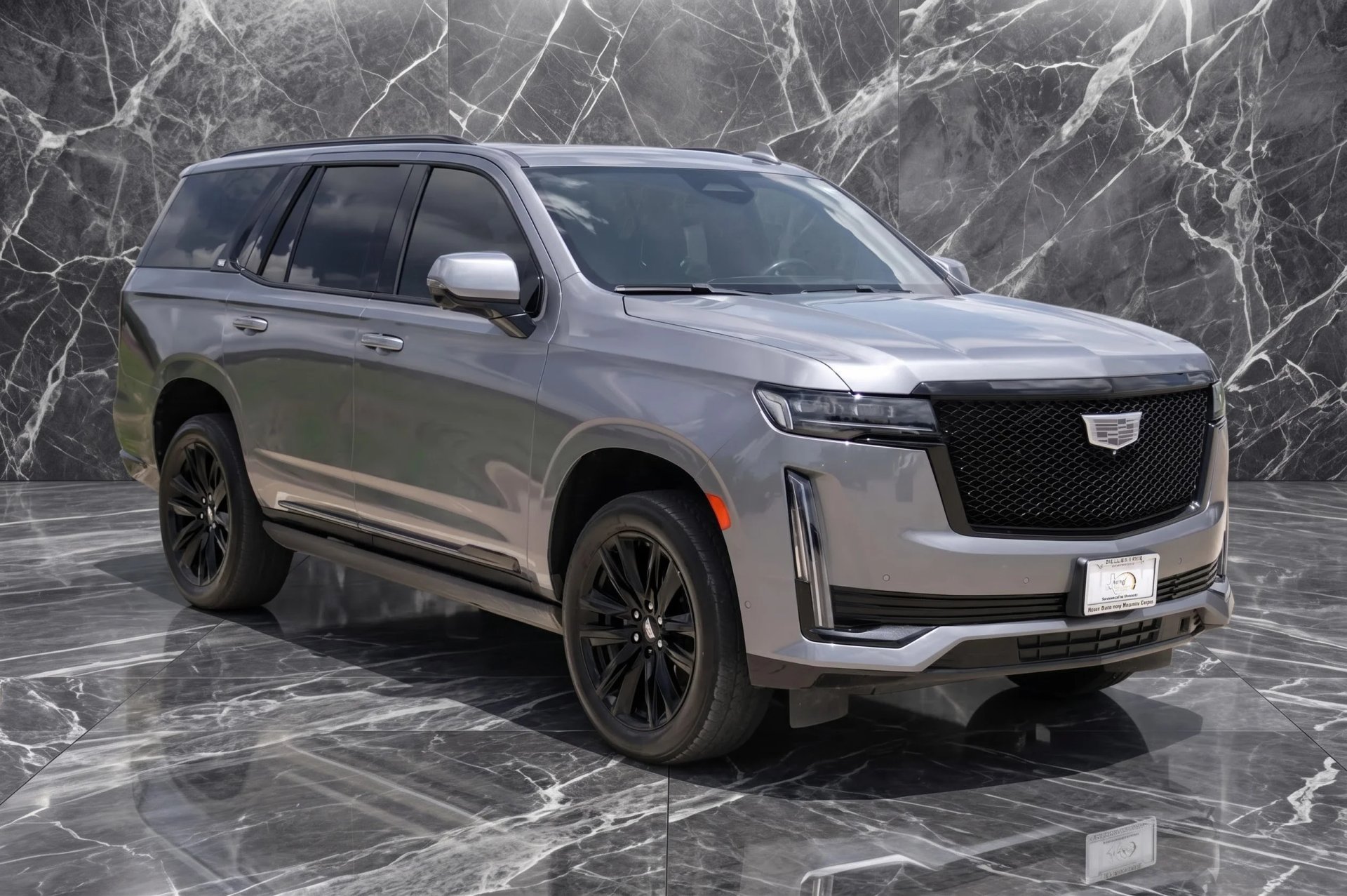
Custom car backgrounds are backdrops you build yourself in Car Background AI, for the times the ready-made set does not have the scene you want. Instead of settling for the closest option, you create the exact backdrop you need, save it to your own library, and apply it to any car you list.
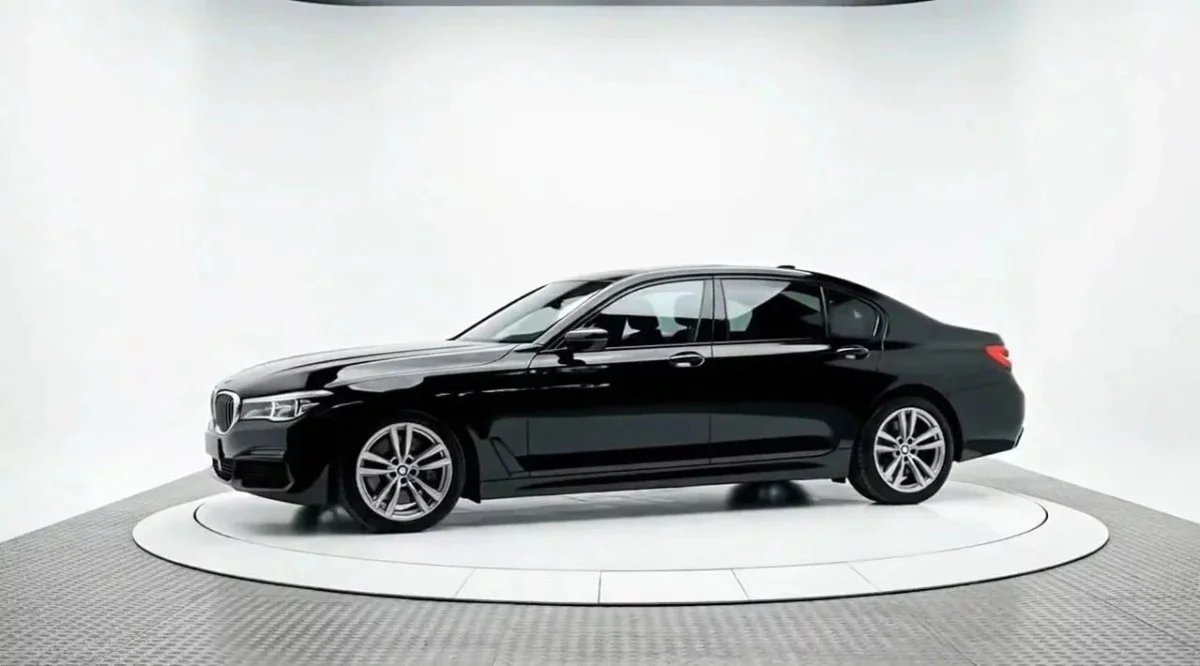
WHAT YOU CAN DO
Make the background exactly what you need
Create the scene, save it, and reuse it across your inventory. Same quality you already trust, now on a backdrop you built yourself.
Indoor or outdoor
Build a studio-style wall or a real-world outdoor setting, whatever suits the car and the listing.
Saved to your library
Every background you create stays under Your backgrounds, ready to reuse whenever you want.
Apply to any car
Drop your custom car backgrounds onto one photo or a whole batch. Make it once, use it forever.
A look that is yours
Match your showroom or brand, so your listings stop looking like every other dealer's.
Same trusted quality
The same clean edges and natural perspective, on a scene you built yourself.
The car stays honest
Only the background changes. The vehicle stays exactly as it is, so buyers see the real car.
How it works
No photographer, no studio, no editing skills. The background you make once is ready for every car you list after that.
1.
Open the tool
Go to Backgrounds and hit create background.
2.
Build your scene
Set up the indoor or outdoor backdrop you want.
3.
Save it
It lands in your library, ready for next time.
3.
Apply to any car
Drop it onto one photo or a whole batch.
Why make your own custom car backgrounds
The ready-made backgrounds get most dealers exactly what they need. But sometimes you want something specific: a backdrop that matches your actual showroom, a setting that fits your brand, or a scene the standard set does not include. Custom backgrounds give you that without booking a studio or hiring anyone.
There is a quieter benefit too. Every dealer using an off-the-shelf tool tends to end up with the same handful of backdrops. When you build your own, your listings stop looking like everyone else's. That is a real edge on a crowded marketplace page where the photo is the first thing a buyer judges.
Try for free
Who builds custom backgrounds with us?
However you sell cars, a background you built yourself fits the way you work.
Used car dealerships
Build one backdrop that matches your showroom and run the whole lot through it, so every listing looks like the same dealership.
Dealer groups and marketplaces
Set one agreed scene and apply it across every rooftop, so thousands of listings stay consistent no matter who uploaded them.
Automotive photographers
Save a signature background and reuse it across client work, so you are not rebuilding a setup for every shoot.
Private sellers
Drop your own car into a scene you built and get a dealership-grade listing shot, no editing skills needed.
Listing and admin teams
Apply a saved background to a full batch and get the same look every time, no matter who shot the originals.
Selling cars another way?
Custom car backgrounds work the same on any vehicle photo. Build one and try it on a car of yours.
BACKGROUNDING OPTIONS
Ready-made or your own
So, which one should you use? Both live in the same place, so you can mix them however you like.
Ready-made backgrounds
Best when you want fast and consistent
✓ Clean scenes made for dealers, ready in one click
✓ A consistent look across your whole inventory
✓ Nothing to set up or build
✓ The quickest way to get listing-ready
Custom backgrounds
Best when you want a look that is yours
✓ Build any indoor or outdoor scene
✓ Match your own showroom or brand
✓ Saved to your library and reused as often as you want
✓ Listings that do not look like everyone else's
Need more than custom backgrounds?
Car Background AI does more than build custom car backgrounds. Explore the rest of the toolkit built for dealer listings.
Car background removal
Strip the cluttered background from any car shot and get a clean cutout, with tricky edges like windows and antennas kept intact.
Car photo editor
Everything in one place to take a raw photo all the way to a finished, listing-ready image.
Background replacement
Swap a messy lot for a clean, branded backdrop, with the perspective sitting naturally behind the car.
Bulk photo editing
Upload a whole batch and get every car back with the same consistent look, ready for your listings.
Dealership branding
Upload a whole batch and get every car back with the same consistent look, ready for your listingAdd your logo and brand look across every photo, so your inventory carries one consistent identity. s.
Build a background and see it on your own car
Make one scene, apply it to a vehicle you have already listed, and judge the result for yourself. No card, no call, no subscription.
No credit card • Free trial included • Cancel anytime
Frequently Asked Questions
Yes. Alongside the ready-made set, you can build your own background inside Car Background AI, save it to your library, and apply it to any car photo.
Both indoor and outdoor scenes. A studio-style wall, a showroom setting, an outdoor location, whatever suits your listings.
They use the same AI, so the car keeps its natural perspective, clean edges and realistic shadow in a scene you built yourself.
Yes. Once you save a background, it stays in your library and you can apply it to as many cars as you want, single photos or full batches.
No. It only changes the background behind the car. The vehicle stays exactly as it is, which keeps your listings honest.
Yes. You get 10 free credits, no credit card and no subscription, so you can build a background and see it on your own cars before deciding anything.