Whatever's wrong with your car photo, we've got a fix for it
Too dark. Too small. Cluttered background. Plate showing. Every listing photo has something holding it back. Find the one that's holding yours back, and fix it for free with Car Background AI.


Join 1000+ already onboard.
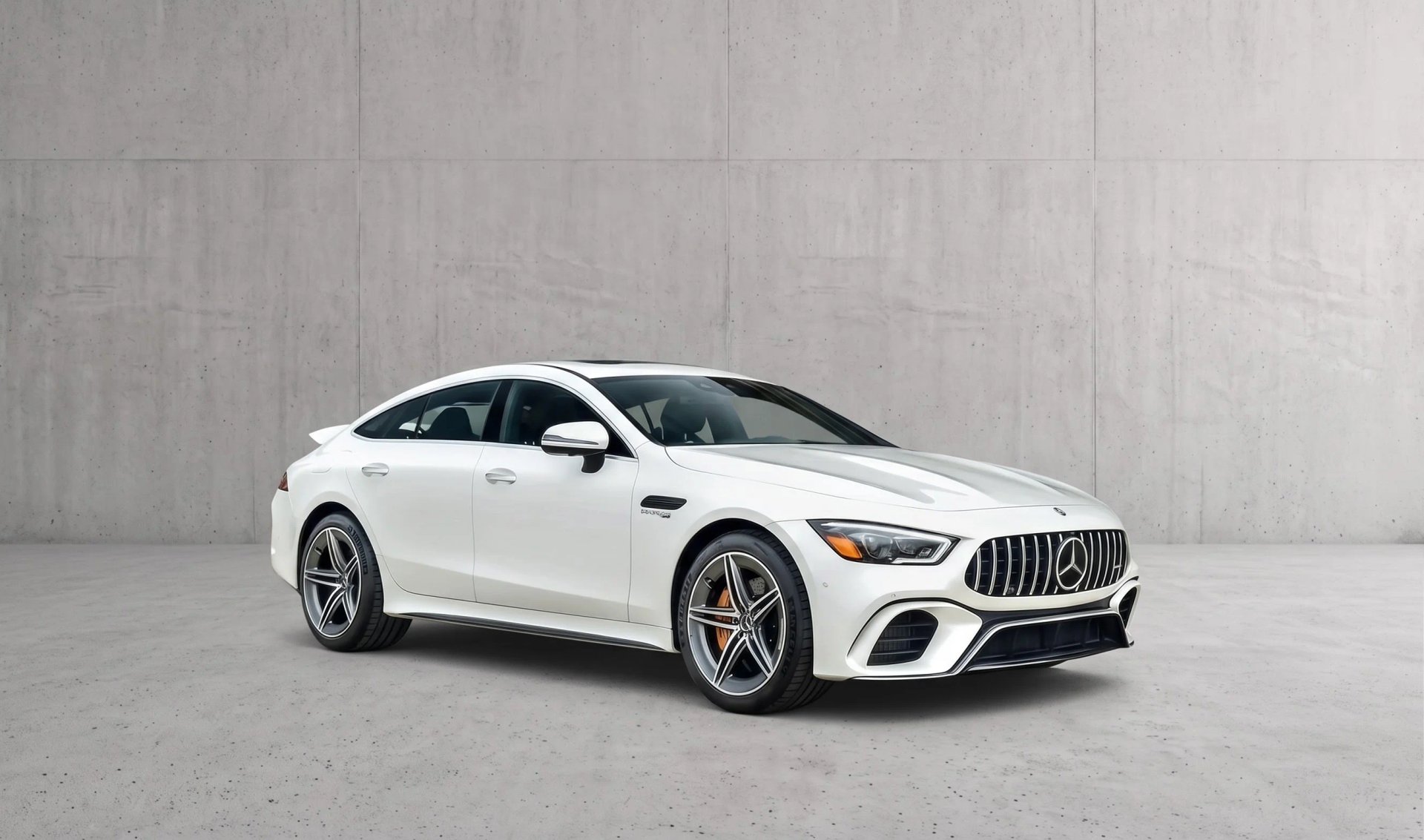
Start from the photo, not the tool
Most car photo editing tools ask you to know what you need before you get there. Dealers don't think that way. You look at a photo, something's off, and you want it fixed.
So this is organized the way the problem shows up. The photo's too grainy to trust, the background's a parking lot, the resolution won't pass the marketplace upload. Pick the one that matches what you're looking at, and the fix is on the other side.
USE CASES
What are you trying to fix?
Car image enhancer
The shot is fine but flat. Detail sharpens, the car reads clearly, and a photo that looked like a phone snap starts looking deliberate.
Enhance a car image →
Car image upscaler
Small file, big listing slot. Resolution goes up without the mush, so the photo holds together at the size the marketplace wants it.
Upscale a car image →
Car image clipping
The car needs to come out clean, on its own, for a template or an ad. Precise cut, no halo, ready to drop anywhere.
Clip a car image →
Online 360 car photo booth
Booth results without the booth. A consistent set of angles that behaves like a spin, from photos you took walking around the car.
Try the 360 booth →
AI car background changer
Same car, different scene. Swap what's behind it for something that suits the listing, without touching the car itself.
Change the background →
White car background editor
The plain white treatment. Nothing behind the car, nothing competing with it, which is what some platforms and templates want.
Get a white background →
Why users love Car Background AI
It knows what a car is
Every one of these runs on the same car-trained AI. That's why the tricky parts, glass, mirrors, wheel arches, survive the edit.
The car stays the car
Backgrounds change. Lighting improves. The vehicle itself doesn't. What you photographed is what a buyer sees.
Fixes stack
Nothing here works in isolation. Upscale it, clean the background, brand it, and it's still one photo and one pass.
Try before you commit
Car Background AI gives you 10 free credits, no card, no call. Test the fix on the actual photo giving you trouble.
FEATURES
The toolkit behind every fix
Car background removal
The cluttered lot behind the car comes out cleanly. Edges stay sharp around mirrors and wheel arches, and nothing looks cut out.
Remove background →
Car photo editing
The whole job in one place. Clean up the shot, brand it, and export it ready to list, no jumping between tools.
Enhance car photos →
Car backgrounding
Exteriors get a backdrop matched to the angle you shot from. Interiors get the clutter cleared behind the seats.
Replace backgrounds →
Bulk editing
Feed in the whole intake at once. Every car comes back with the same treatment, so a week of inventory lands consistent.
Edit in bulk →
Car dealership branding
Upload your logo once and it lands in the same spot on every car you edit from then on.
Add your branding →
Need something else?
Need something that isn't listed here? Give the online car photo editor a try; it's most likely there.
Fix the photo that's bothering you
Every fix here is free to test. Pick the one that matches your photo and see what comes back before you spend anything.
Try for free
Frequently Asked Questions
Yes, and most photos need it. A single shot might get upscaled, have its background swapped, and pick up your logo before it's done. That's one pass through, not three separate jobs.
Start with enhancement. Most "bad" listing photos are really just flat or soft, and sharpening the detail fixes more than people expect. If the background is the problem, that's a different fix.
It rebuilds detail rather than stretching pixels, so the car holds together at the larger size. A very small or very blurry original has less to work from, but the result is still usable.
Clipping gives you the car on its own, cut out and ready to place into a template or ad. Background removal swaps the scene behind it for a new one. Same starting point, different output.
Both. Interiors get the clutter cleaned up behind the seats and dash. Close-ups of a wheel or badge get the background behind them handled the same way as a full car.