100% free · No credit card required
Professional car image clipping services
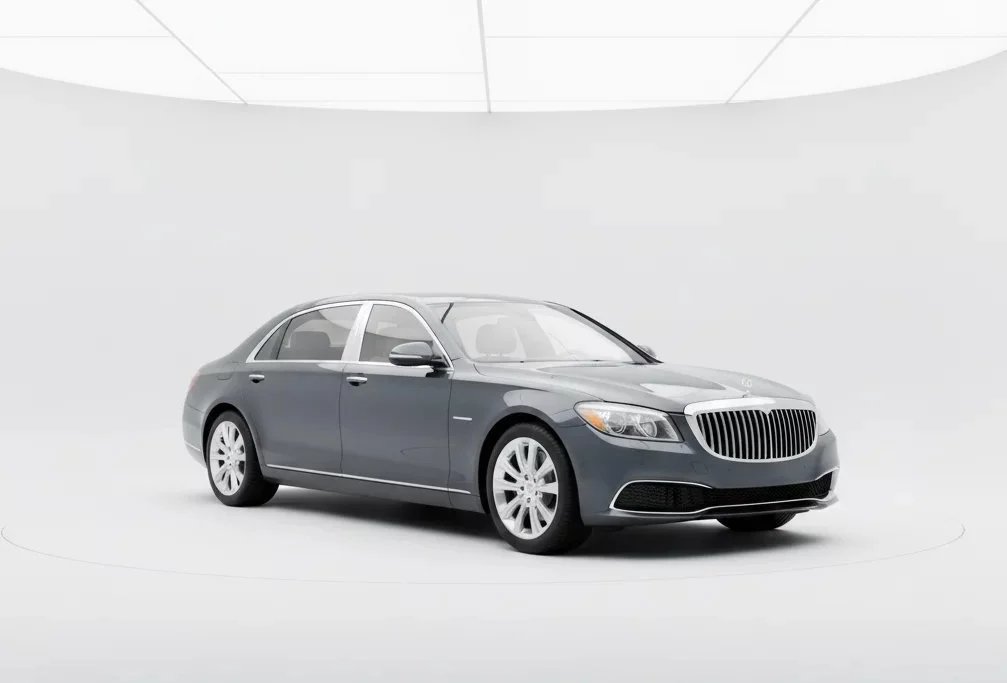
Traditional car image clipping services mean tracing every cutout by hand or sending it out to be done. Our tools uses automotive AI instead, cutting clean edges around mirrors, spokes, and glass, so you get a sharp cutout in one upload.


Trusted by 1000+ dealerships and independent sellers worldwide
ONE CUTOUT, EVERY USE
One clean cutout, ready for anything
Good clipping gives you more than a single photo. Once the car is cleanly isolated, you can drop it onto any background you like, in a listing, a banner, a social post, or a print catalog, and it sits right every time.
Listing
Banner
Social post
Print catalog
Any background
HOW IT WORKS
Three simple steps
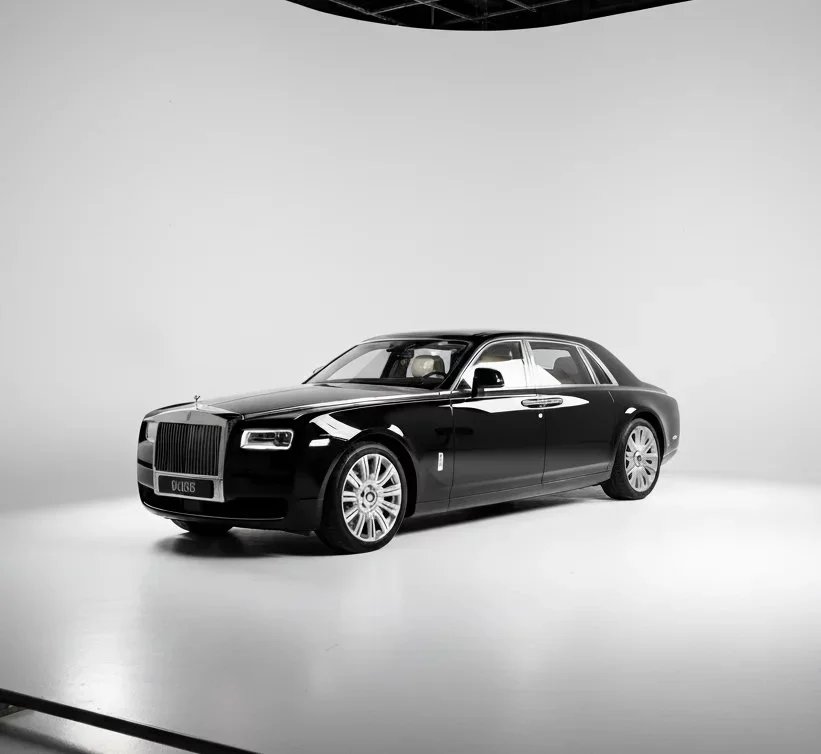
Car Background AI replaces slow car image clipping services with three simple steps. No editing experience needed, just upload your photo and let the AI isolate the car.
01
Upload your photo
Drag and drop a car photo, or pull one from your phone. The messier the background, the more a clean cutout earns its place.
02
Let the AI do the work
The tool finds the vehicle and traces a precise edge around it, handling the awkward parts effortlessly.
03
Download and use image
Get a clean cutout on a transparent or plain background, ready to composite, list, or design with. No watermark.
WHAT YOU GET
What you get with our car image clipping services
Everything you need to turn a photographed car into a clean, usable cutout. No hidden fees, no watermarks, no card required.
Edges that hold up
Clean, accurate outlines around the hard parts generic clippers smear: wheel spokes, door mirrors, aerials, and trim.
Built only for cars
Automotive AI knows where the car ends and the background begins, so it does not cut into bodywork or leave a halo around the edge.
Glass handled properly
Windows stay realistically transparent instead of being knocked out solid, so the cutout looks natural on whatever background it lands on.
Transparent or plain background
Take the car as a transparent cutout for compositing, or on a clean plain backdrop, ready for whatever comes next.
Consistent across a whole set
Every car gets the same clean treatment, so a row of cutouts sits together neatly in a catalog, banner, or listing grid.
Full commercial rights
Use your cutouts anywhere: listings, ads, social, and print. No watermark, no licensing fees, no restrictions.
MANUAL VS AI
Retire the clipping-path workflow
Outsourced / manual clipping
— Per-image fees that scale with your inventory
— Turnaround measured in hours or days
— Edge quality varies by who does the tracing
— Files back and forth with an external service
Car Background AI
✓ One upload, cutout in seconds
✓ Same clean edge on every car
✓ Nothing leaves your workflow
✓ 10 free credits to test on your own photos
FREE TO TRY
See the cutout on one of your own cars
Upload a photo and check the edges for yourself. Free to try, nothing to commit.
WHO IT IS FOR
Built for everyone who sells cars
Whether you cut out one car or a hundred, our car image clipping services fit the way you already work.
Independent sellers
Lift your car cleanly off a busy driveway so your listing photo looks deliberate instead of accidental.
Car dealerships
Isolate every car in your inventory cleanly, so listings and promotions share one neat, professional look.
Automotive photographers
Skip the manual clipping path. Deliver client-ready cutouts with edges that hold up, without the hours in Photoshop.
Online marketplaces
Give sellers clean, consistent cutouts so listing images sit together neatly across your platform.
Dealer management systems
Generate clean car cutouts through the API, so every listing on your platform starts from a tidy, isolated image.
WHY IT PAYS OFF
Still paying per-image fees for clipping services?
Every outsourced cutout and every hour lost to manual tracing eats into your margin and slows your listings down. The fix takes one upload. Get a clean cut before the image goes anywhere near a buyer.
Sell cars faster
Clean, professional listings move metal quicker than ones stuck with sloppy, cluttered photos.
Get more leads
A crisp, well-isolated car earns the click, and more clicks mean more inquiries from serious buyers.
Win the grid
A cleanly cut car stands out in a marketplace grid full of busy, distracting backgrounds.
Build buyer trust
Listings that look deliberate signal a professional seller, and buyers reach out to sellers they trust.
Cut your editing cost
Drop the outsourced clipping bill and the manual hours. One upload does the job in-house.
Keep a consistent brand
Every cutout matches, so your listings and promotions read as a single professional operation.
TESTIMONIALS
What users say about our Car Background AI
“Using this platform has simplified my car sales workflow! I’ve created multiple clean pictures and in the fraction of the time than before.”

Alex Thompson
Digital Marketing Specialist, USA
“This is the best photo app for cars I have encountered. I’ve upgraded the vehicle imagery for all our inventory, and it only took me seconds for each car. The bulk photo processing feature is a real time saver, and the quality is unmatched.”

Sarah Kim
Used-Car Dealer, South Korea
“The professional backgrounds elevate my car listing ads, and create high trust and faster sales. I especially like that all details of the cars remain the same, but the visuals are photo booth quality!”

Jason Patel
Car Dealership Manager, India
FAQS
Frequently asked questions
What is a car image upscaler?
A car image upscaler is a tool that increases the resolution and sharpness of a car photo. Car Background AI does this with AI built only for vehicles, so a small or blurry shot comes back clear and listing-ready.
What makes this better than a generic upscaler?
Generic upscalers sharpen everything evenly and often invent fake detail. Car Background AI is trained on vehicles, so it recovers real car detail like panel lines, badges, and trim without warping the shape or colour.
How low-quality can the original photo be?
It works best on photos that are soft, compressed, or a little small. Very tiny or badly damaged images have less detail to recover, so the sharper your starting photo, the better the result.
Will upscaling make my car look fake?
No. The AI keeps the car true to life, with its real shape, proportions, and colour. It recovers detail that was already there rather than adding artificial edges that make a photo look processed.
What file formats can I upload?
You can upload JPG, JPEG, and PNG files. These cover what most dealers and sellers get from a phone, a camera, or an existing listing, and the upscaler handles all of them the same way.
Can I enhance multiple car images at once?
Yes. When you are ready to move beyond single images, bulk processing lets you upload and enhance sets of photos together.
Where can I use my enhanced car images?
Anywhere you list or market cars. You hold full commercial rights — Cars.com, CarGurus, AutoTrader, Facebook Marketplace, your website, social media, or print.
What makes this better than other free photo editors?
Generic editors are built for any photo. The car image enhancer is trained only on vehicles, so it understands car shapes, cleans backgrounds precisely, and holds the perspective.
READY WHEN YOU ARE
Clip your first car in seconds.
10 free credits, no card, no watermark. Upload a photo and check the edges yourself.
✓ 100% free to try
✓ No credit card
✓ No watermark