100% free · No credit card required
One-click car image upscaler
Blurry, low-resolution photos make a good car look cheap. Our car image upscaler is built only for vehicles, so soft, pixelated, or undersized shots come back sharp, clean, and ready to list. Want to see how it works?


Trusted by 1000+ dealerships and independent sellers worldwide
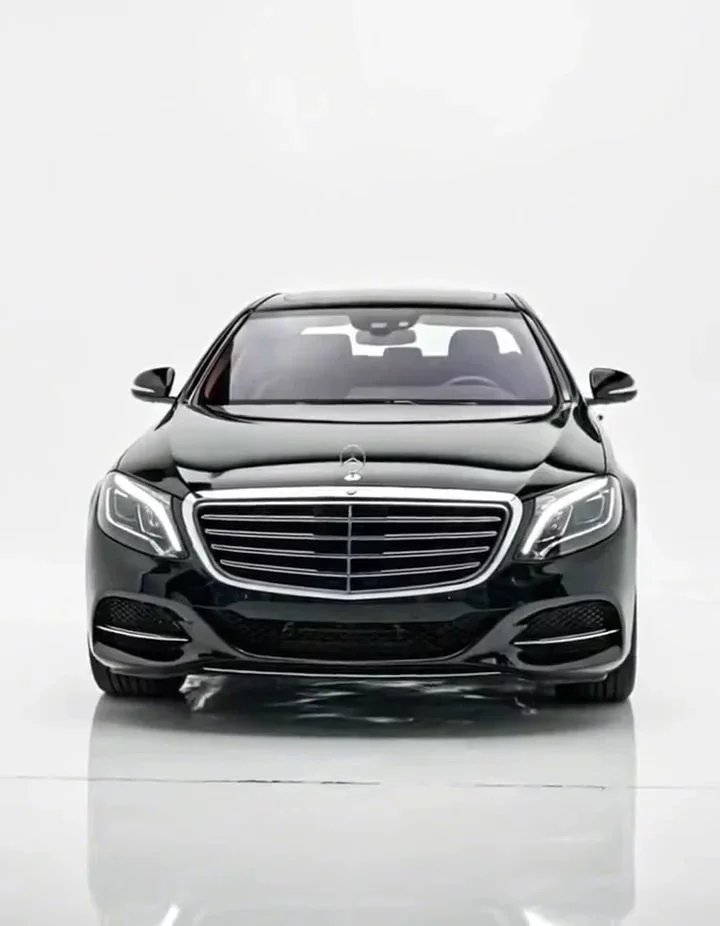
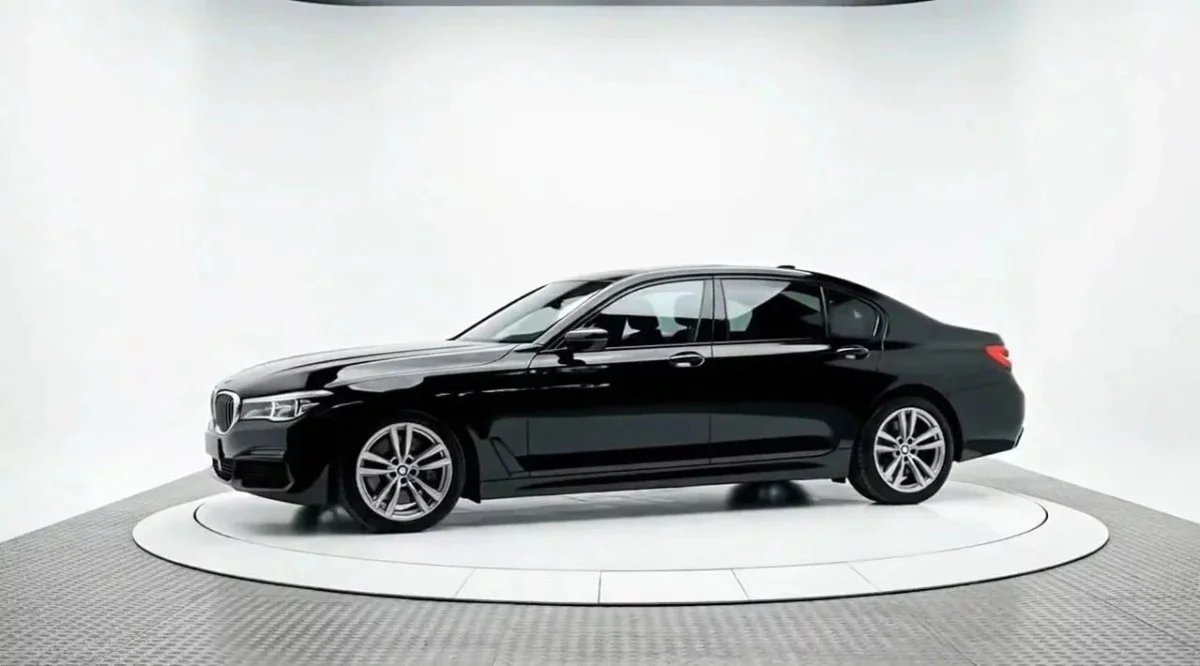
SAVE THE SHOT
Stop reshooting cars you already photographed
That photo looked fine on your phone and fell apart on the listing. Instead of dragging the car back out for a reshoot, run it through the upscaler and get a sharp, full-resolution image from the shot you already have.
HOW IT WORKS
Three steps. No editing experience.
Just upload your photo and let the AI sharpen it.
01
Upload your photo
Drag and drop a low-resolution or blurry car photo, or pull one straight from your phone or an old listing.
02
Let the AI do the work
Car Background AI reads the vehicle and rebuilds detail, lifting resolution and tightening soft edges while keeping the car true to life.
03
Download and use image
Get a crisp, high-resolution image ready for any marketplace, your website, or social. No watermark.
WHAT YOU GET
Everything to turn a weak photo into a listing-ready one
No hidden fees, no watermarks, no card required.
Higher resolution that holds up
Turn small or compressed photos into sharp, full-size images that meet the upload standards marketplaces expect.
Clarity built for cars
Automotive AI sharpens the right things, like panel lines, badges, and trim, instead of smearing the whole frame the way a generic upscaler does.
Detail that survives the zoom
Buyers zoom into listings. Recovered detail keeps wheels, grilles, and glass looking crisp instead of mushy up close.
True-to-life results
The car keeps its real shape, colour, and proportions. No warped panels and no invented detail that makes the photo look fake.
No amplified noise
Ordinary sharpening exaggerates grain and compression artifacts. Here the image gets cleaner as it gets sharper, not noisier.
Full commercial rights
Use your enhanced images anywhere — your website, social media, car listings, advertisements. No restrictions, no licensing fees.
FREE TO TRY
See it on a photo you almost deleted
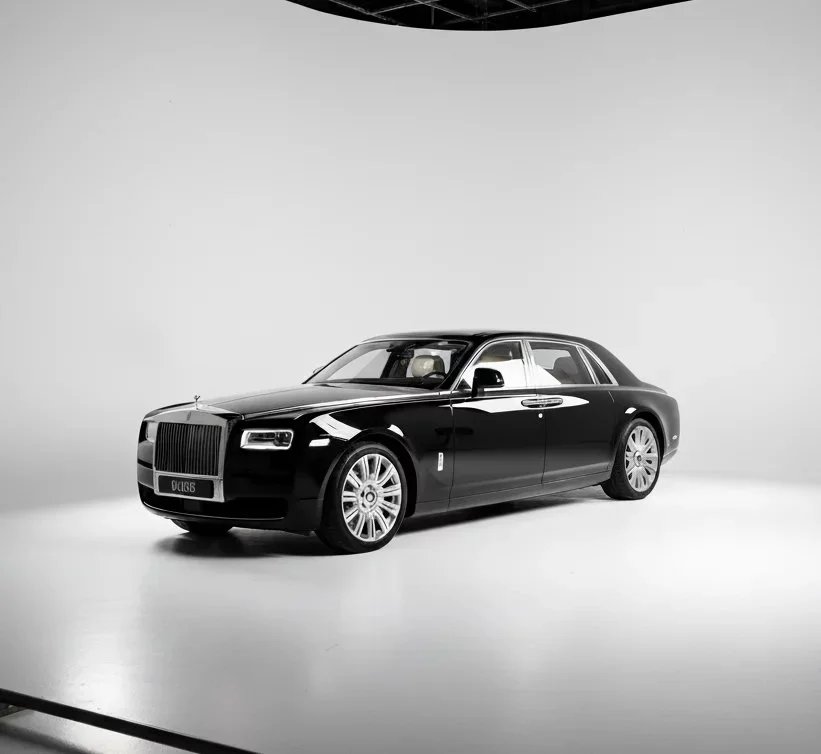
Upload a blurry or low-resolution car shot and watch it come back sharp. The car image upscaler is free to try, so you need nothing to commit.
WHO IT IS FOR
Built for everyone who sells cars
Whether you’re saving one bad photo or a whole archive of them, the car image upscaler fits the way you already work.
Independent sellers
Took the only photo of your car on an old phone? Sharpen it so your Facebook Marketplace or Craigslist listing looks worth clicking.
Car dealerships
Salvage usable shots from quick lot photography instead of reshooting inventory that has already moved inside.
Automotive photographers
Recover client images that came in soft or undersized, and deliver crisp final files without booking a reshoot.
Online marketplaces
Help sellers meet your image resolution standards automatically, so listings look consistent and professional across your platform.
Dealer management systems
Upscale incoming dealer photos through the API, so every listing on your platform clears a minimum quality bar.
WHY IT PAYS OFF
Still listing cars with photos buyers can’t see clearly?
A soft, pixelated photo tells a buyer you didn’t care enough to get it right. The fix takes one upload. Sharpen the shot before your listing goes live and competes for the click.
Sell cars faster
Clear, sharp photos pull buyers in and move metal quicker than listings stuck with soft, low-quality shots.
Get more leads
A crisp image earns the click, and more clicks mean more inquiries from buyers who are actually interested.
Win the grid
Your listing sits next to dozens of dark, blurry phone shots. A sharp one is the one buyers stop on.
Build buyer trust
People trust what they can see clearly. Crisp detail makes a buyer comfortable enough to call instead of scrolling past.
Charge what the car is worth
A car that looks cheap in photos gets lowball offers. A sharp, professional image protects your asking price.
Save a reshoot
Recover a usable image from the photo you already have, instead of pulling the car back out for another round.
TESTIMONIALS
What users say about Car Background AI
"Using this platform has simplified my car sales workflow! I've created multiple clean pictures in a fraction of the time."

Alex Thompson
Digital Marketing Specialist, USA
“This is the best photo app for cars I have encountered. I’ve upgraded the vehicle imagery for all our inventory, and it only took me seconds for each car. The bulk photo processing feature is a real time saver, and the quality is unmatched.”

Sarah Kim
Social Marketer, South Korea
“The professional backgrounds elevate my car listing ads, and create high trust and faster sales. I especially like that all details of the cars remain the same, but the visuals are photo booth quality!”

Jason Patel
Car Dealership Manager, India
Frequently Asked Questions
A car image upscaler is a tool that increases the resolution and sharpness of a car photo. Car Background AI does this with AI built only for vehicles, so a small or blurry shot comes back clear and listing-ready.
Generic upscalers sharpen everything evenly and often invent fake detail. Car Background AI is trained on vehicles, so it recovers real car detail like panel lines, badges, and trim without warping the shape or colour.
It works best on photos that are soft, compressed, or a little small. Very tiny or badly damaged images have less detail to recover, so the sharper your starting photo, the better the result.
No. The AI keeps the car true to life, with its real shape, proportions, and colour. It recovers detail that was already there rather than adding artificial edges that make a photo look processed.
You can upload JPG, JPEG, and PNG files. These cover what most dealers and sellers get from a phone, a camera, or an existing listing, and the upscaler handles all of them the same way.
Yes. You get 10 free credits when you sign up, with no card required and no watermark. That is enough to upscale several photos and judge the quality before you buy more credits.
Yes. When you move beyond single images, bulk processing lets you upload and sharpen sets of photos together, which keeps a full set of listings consistent without editing each one by hand.
Yes. You hold full commercial rights, so you can use your images on AutoTrader, Cars.com, CarGurus, Facebook Marketplace, your website, or print, with no licensing limits.
READY WHEN YOU ARE
Sharpen your first photo in seconds.
10 free credits, no card, no watermark. Upload a blurry shot and see the difference.
✓ 100% free to try
✓ No credit card
✓ No watermark