Car Transparent Background: How to Create Clean Cutouts
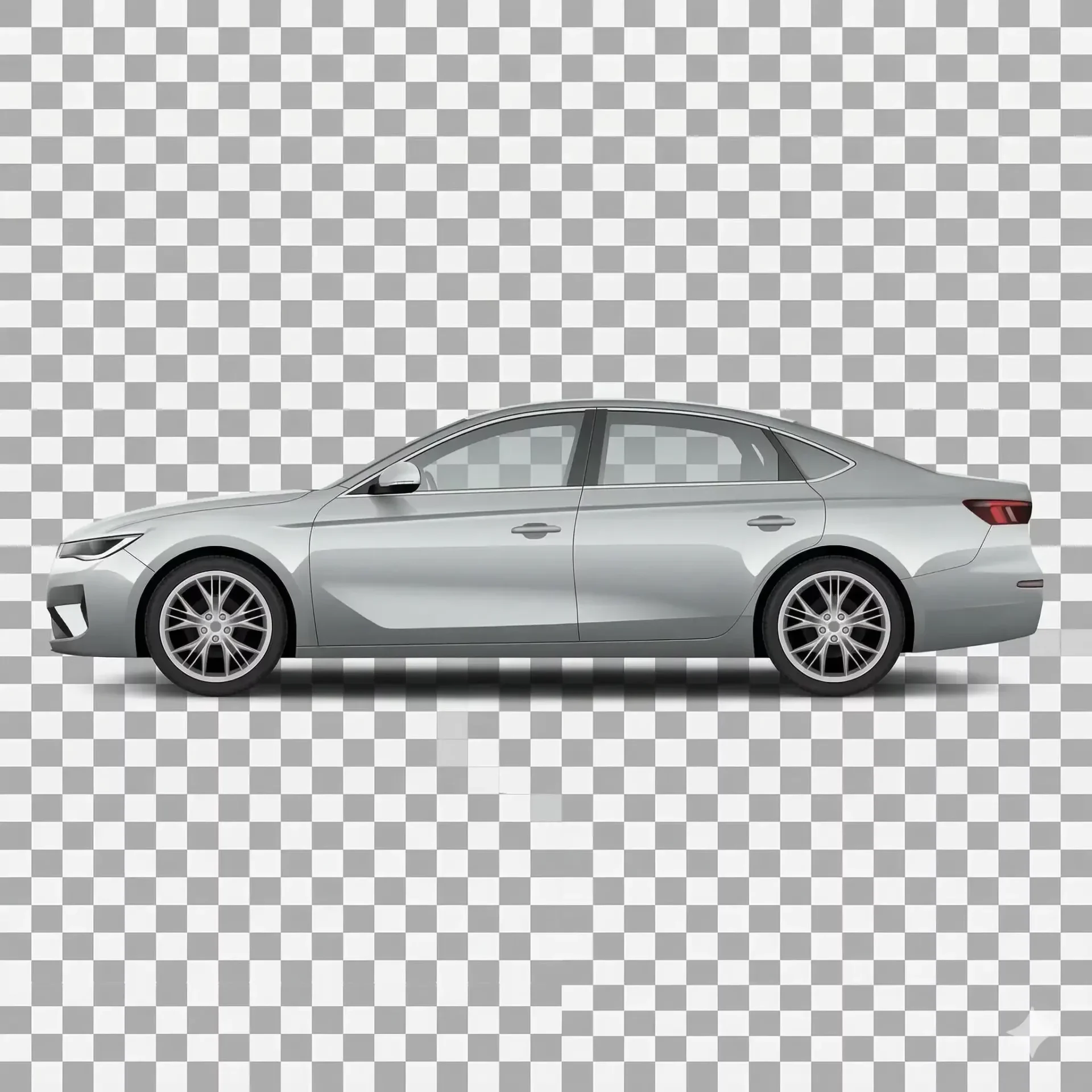
A car transparent background is a vehicle image with its surroundings completely removed, leaving only the car itself on a transparent (alpha channel) canvas. This format, typically exported as a PNG file, lets you place the vehicle onto any backdrop, composite it into marketing materials, or drop it into website layouts where the page background shows through. For dealers and automotive marketers, producing clean transparent car images saves time and opens up creative options that a fixed background swap cannot match.
This guide covers how to create a car transparent background that preserves critical details like glass, chrome, and thin edges, common quality problems to watch for, and when cutout images make more sense than standard background replacement.
When to use a car transparent background instead of a backdrop swap
Standard backgrounding places your vehicle on a preset scene, which is ideal for marketplace listings where buyers expect to see the car on a surface. A car transparent background, by contrast, gives you a raw cutout with no backdrop at all. Here is when each approach fits.
Use case | Best format | Why |
|---|---|---|
Marketplace listings (Cars.com, CarGurus) | Standard background swap | Buyers expect the car on a realistic surface with shadows |
Website banners and hero sections | Transparent cutout | Vehicle sits over the page design without a fixed backdrop |
Marketing composites and brochures | Transparent cutout | Designers need a clean car no background file to composite freely |
Social media ads | Transparent cutout | Place the vehicle on branded backgrounds matching each campaign |
Email templates | Transparent cutout | Vehicle overlays the email design seamlessly |
Inventory grid on your website | Standard background swap | Consistent backdrops across listings build brand trust |
Many dealers benefit from generating both outputs from the same source image. The AI background removal step is identical. The difference is whether you export with a new backdrop or as a transparent PNG.
How to create a car transparent background with AI
The process is similar to standard backgrounding, with one critical difference at the export step.
- Upload your vehicle photo. Ensure the car is fully visible and not heavily obstructed by other objects.
- Let the AI detect and mask the vehicle silhouette. Purpose-built automotive tools handle mirrors, glass, wheels, and antenna tips that generic removers miss.
- Review the mask at 100% zoom. Pay special attention to windows (glass should be semi-transparent, not fully removed), mirror edges, and wheel wells.
- Export as PNG with alpha transparency enabled. Do not export as JPEG, which does not support transparency and will fill the background with white.
The entire process takes seconds with an AI tool. The quality checkpoint at step three is where most problems are caught, so never skip it even on batch runs.
Why car no background edits fail on vehicle glass
The single most common quality problem with transparent car images is window handling. Windows are semi-transparent. You can see through them, but they also reflect light, show tinting, and have edges. Generic background removers face a dilemma: treat the window as part of the vehicle (and keep it) or treat it as part of the background (and remove it).
When a tool removes the glass along with the background, the car looks damaged. Empty window openings in a car transparent image instantly signal to anyone viewing it that the cutout was done poorly. Professional cutouts preserve the glass with its natural tint and reflections while making the area behind the glass transparent.
Chrome and reflective trim create a similar challenge. A mirror reflecting the parking lot should ideally show a neutral reflection in the cutout, not the original messy background. High-quality AI tools trained on automotive images handle this by replacing the reflected background in the chrome while keeping the reflective surface intact.
Quality checklist for transparent car pictures
Use this checklist before approving any car transparent image for use in marketing or listing materials.
- Windows retain natural glass appearance with tint visible but background gone
- No white or colored fringe (halos) around the vehicle perimeter
- Wheel wells are clean with individual spokes separated from the background
- Antenna tips and roof rails are preserved, not clipped
- Mirror edges are sharp without bleeding from the original backdrop
- Underbody shadow is removed (for true transparent) or softly preserved (for composite-ready)
- File format is PNG with alpha channel, not JPEG with a white fill
- Resolution matches or exceeds 1920 x 1080 for web use
If any item fails, re-process the image or use a tool with better automotive edge handling. Shipping a cutout with halos or missing glass undermines the professional impression the image is supposed to create.
Using car transparent images in dealer marketing workflows
Once you have a clean cutout, the creative applications multiply. Here are the most common ways dealers and automotive marketers use transparent car pictures in practice.
Website hero banners are the most common application. A car transparent image placed over your homepage design, with the page background visible around it, creates a polished look that fixed-background photos cannot match. The vehicle appears integrated into your site design rather than pasted on top.
Promotional materials like seasonal banners, email headers, and social ads benefit from cutouts because you can reuse the same vehicle image across multiple campaign designs without re-editing. Swap the campaign background and the car still looks clean on each version.
Comparison layouts that show the same vehicle on different backdrops (before/after, studio vs outdoor) require transparent source images. Start with the cutout, then composite it onto each backdrop to demonstrate your service or create A/B test variations for your listing platforms.
Exporting and storing transparent car images
Transparent cutouts have different file requirements than standard listing photos. Get these right to avoid frustration downstream.
Always export as PNG-24 with alpha channel enabled. This preserves full transparency data. PNG-8 reduces to 256 colors and creates visible banding on smooth surfaces like paint. WebP also supports transparency and produces smaller files, but check that your downstream tools and platforms accept WebP before switching.
File sizes for transparent PNGs are larger than standard listing JPEGs, often 500KB-2MB per image. Store master cutouts at full resolution in a dedicated folder structure organized by stock number. Create compressed versions only when needed for specific platforms.
Name your files descriptively: STK4521-front-quarter-transparent.png. This makes it clear at a glance that the file is a cutout, preventing someone from uploading a transparent PNG to a marketplace that expects a white or solid background.
Final thoughts
A car transparent background gives you a versatile asset that works across listings, marketing, and web design. The key to quality is preserving what generic tools destroy: glass transparency, chrome reflections, and thin edges around antennas and roof rails. Start with one vehicle, create the cutout, and test it across your website and marketing materials. Then try the free enhancer on a full inventory set to see how transparent car images expand your creative options.
Frequently asked questions
What file format should I use for a car transparent background?
PNG-24 with alpha channel enabled is the standard format for transparent car images. It preserves full color depth and transparency data. WebP also supports transparency with smaller file sizes but is not universally accepted by all design tools and platforms. Never use JPEG for transparent cutouts since JPEG does not support transparency and will fill the background with white.
Why do car no background edits leave halos around the vehicle?
Halos occur when the removal algorithm includes a thin strip of the original background pixels along the vehicle edge. This is most common with generic tools that are not trained on automotive silhouettes. Purpose-built car editors handle the complex edges around mirrors, chrome, and wheels more precisely, reducing or eliminating halo artifacts.
Can I create transparent car pictures from phone photos?
Yes. Phone photos at 12MP or higher provide sufficient resolution for professional transparent cutouts. Ensure the vehicle is fully visible, well-lit, and photographed in landscape orientation. Avoid heavy obstructions around the vehicle since objects overlapping the car make edge detection harder and can result in artifacts in the cutout.
How should a car transparent image handle window glass?
Professional cutouts preserve the window glass with its natural tint and reflections while making the scene behind the glass transparent. The glass itself should remain visible as a semi-transparent element. If your tool removes the glass entirely, leaving empty window openings, it is not handling automotive images correctly.
What resolution should transparent car images be?
Export at 1920 x 1080 pixels minimum for web use. For print materials, marketing composites, or large-format displays, export at the highest resolution your source image supports. Transparent PNGs at full resolution serve as master files that you can downscale for specific uses without losing quality.
How are transparent car images different from white background photos?
A white background photo has a solid white fill behind the vehicle. A transparent image has no background at all, allowing whatever is behind it (a web page, a design layout, another image) to show through. Transparent cutouts are more versatile for marketing but are not appropriate for marketplace listings, where buyers expect to see the car on a realistic surface.